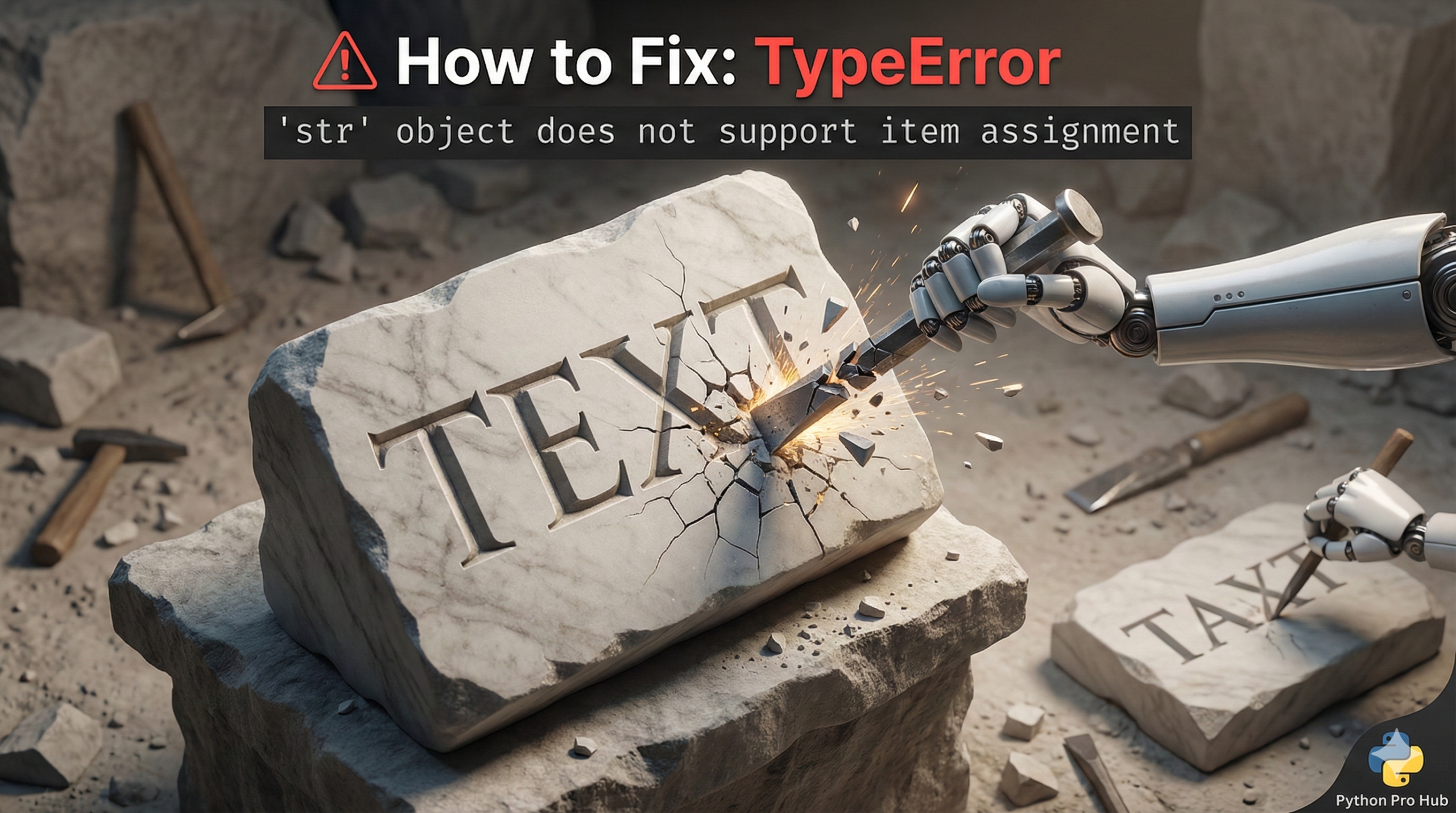
This error means you tried to change a single character inside a string. If you see a TypeError str item assignment in Python, it’s an easy mistake to make, but it fails because strings are Immutable in Python.
The Cause
You can access characters by index, but you can’t assign a new character to an index.
Problem Code:
message = "Hello"
message[0] = "J" # Try to change 'H' to 'J'
# CRASH! TypeError: 'str' object does not support item assignment
The Fix: Create a New String
You cannot change the original string. You must build a new string that includes your change.
Fix 1: Using Slicing + Concatenation
message = "Hello"
new_message = "J" + message[1:] # 'J' + 'ello'

print(new_message) # Output: Jello
Fix 2: Using .replace()
If you want to replace all instances of a character, .replace() is easier.
message = "Hello"
new_message = message.replace("H", "J")

print(new_message) # Output: Jello
Just remember: message.replace() doesn’t change message; it returns a new string with the replacement made.