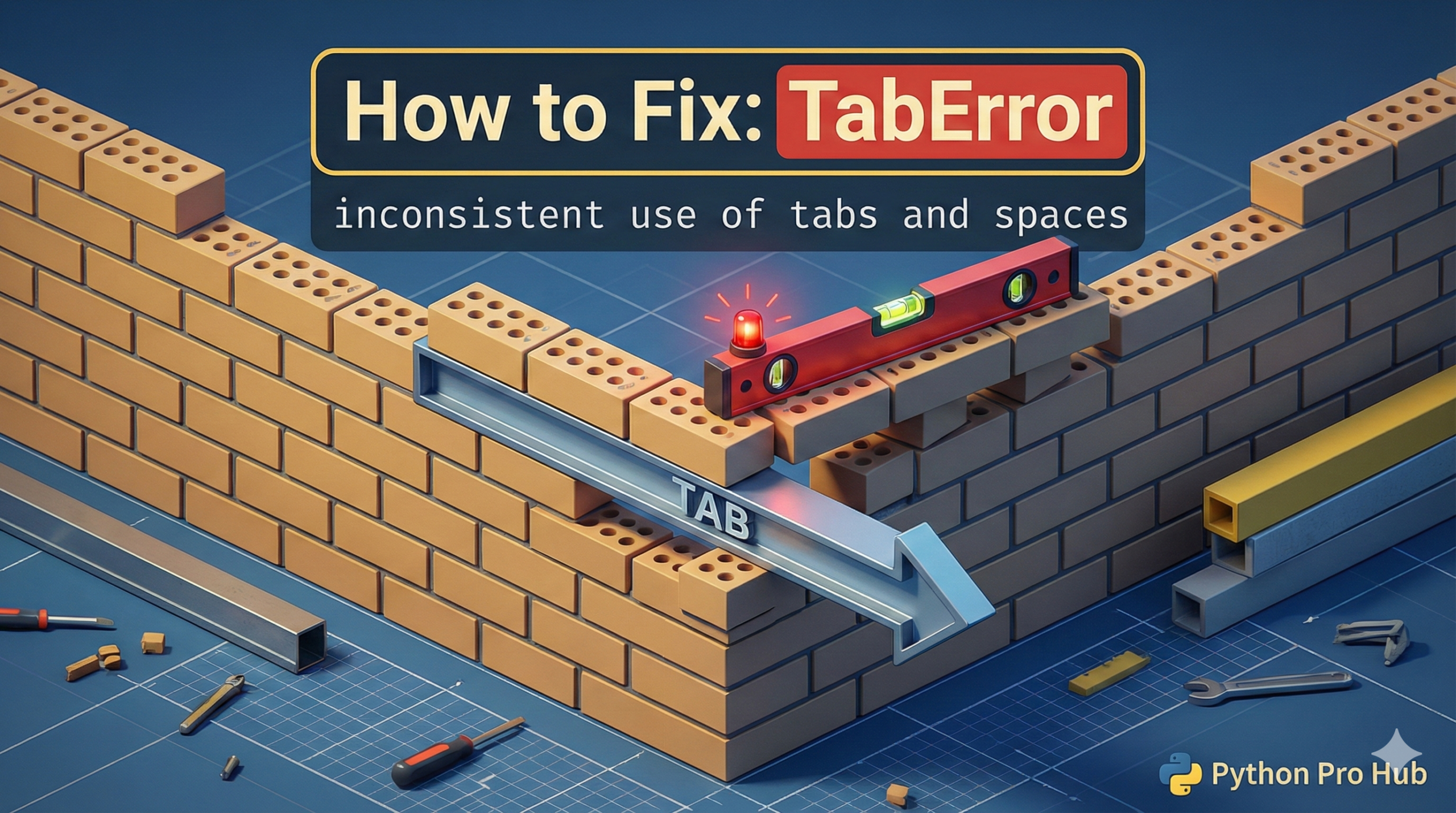
This is not the same as <a href="https://pythonprohub.com/python-errors/indentationerror-unexpected-indent/" target="_blank" rel="noreferrer noopener">IndentationError</a> (which means your indentation is simply wrong). This TabError means your indentation is mixed. If you’re wondering what a TabError is, it’s an error raised in Python when your code contains a mix of tabs and spaces in indentation.
It means: “You used a Tab on one line, but you used Spaces on another line at the same level.”
Python requires you to be consistent. You must choose EITHER tabs OR spaces for your whole script.
The Cause
- You hit the
Tabkey for line 2. - You hit the
Spacebar 4 times for line 3. They look identical in your editor, but to Python, they are totally different characters.
Problem Code (Invisible):
def my_func():
	print("This line is indented with a Tab")
    print("This line is indented with 4 Spaces")
# CRASH! TabError
The Fix: Configure Your Editor
Do not try to fix this manually. The only permanent solution is to configure your code editor.
In VS Code, PyCharm, or any modern editor:
- Go to Settings.
- Find the “Indentation” settings.
- Check the box that says “Insert Spaces on Tab” or “Convert Tabs to Spaces”.
- Set “Tab Size” to 4.
This is the professional standard (defined in PEP 8). Now, when you hit the Tab key, your editor will automatically insert 4 spaces. You will never have this error again.

![3D illustration of a file path blocked by illegal characters causing an OSError [Errno 22] Invalid Argument in Python.](https://pythonprohub.com/wp-content/uploads/2026/01/fix-oserror-errno-22-invalid-argument-file-paths-768x429.png)