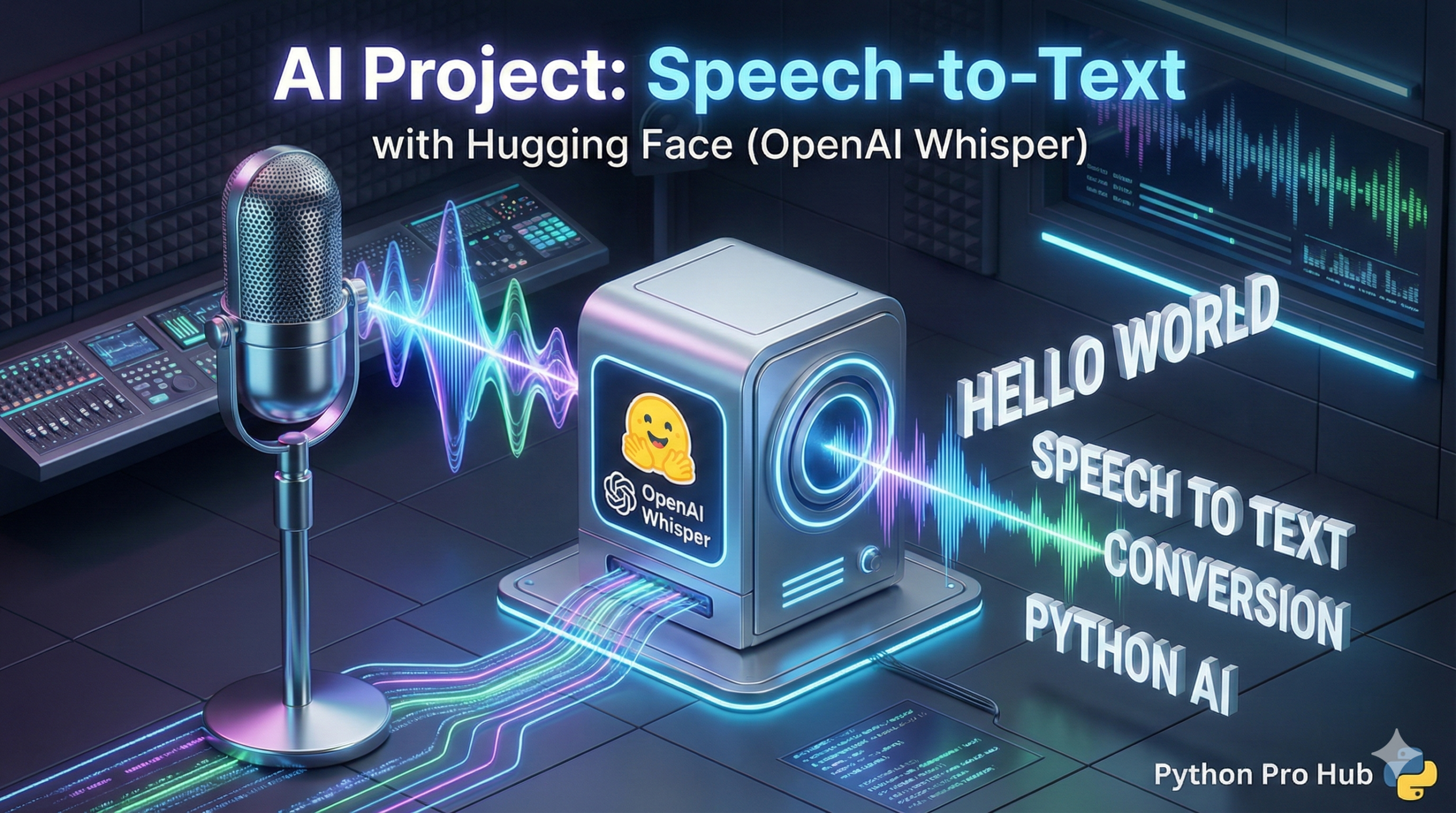
You’ve used the Hugging Face pipeline to understand text and images. Now, let’s teach it to understand audio using Hugging Face Speech to Text.
We will use OpenAI’s Whisper, a state-of-the-art model for speech recognition, to build a script that can transcribe an audio file into text.
Step 1: Installation
You’ll need transformers, torch, and a library to load audio files.
pip install transformers torch
pip install librosa soundfile
Step 2: The Code
The pipeline handles all the complexity. You just need to point it at an audio file.
from transformers import pipeline
import librosa # We'll use this to load the audio

# 1. Load the pipeline
# This downloads the 'whisper-base' model
transcriber = pipeline(
    "automatic-speech-recognition",
    model="openai/whisper-base"
)

# 2. Load your audio file
# (You'll need your own .wav or .mp3 file for this)
audio_file = "my_speech.wav"
try:
    # Load the audio and get the raw data + sample rate
    speech_data, sample_rate = librosa.load(audio_file, sr=16000)
except FileNotFoundError:
    print(f"Error: '{audio_file}' not found. Please provide an audio file.")
    exit()

# 3. Transcribe!
# Pass the raw data directly to the pipeline
result = transcriber(speech_data)

# 4. Print the result
print("--- Transcription ---")
print(result['text'])
Step 3: The Result
If your my_speech.wav file contained someone saying “Python is the future,” the output will be:
--- Transcription ---
 Python is the future.
You’ve just built a powerful, accurate transcription service in a few lines of Python!
Key Takeaways
- Use Hugging Face to transcribe audio files into text with OpenAI’s Whisper model.
- Install necessary libraries like transformers and torch for the transcription process.
- The pipeline simplifies the task; just specify the audio file to get the transcription result.
- For example, transcribing ‘my_speech.wav’ outputs the text ‘Python is the future.’
- You’ve successfully created an accurate transcription service using only a few lines of Python!