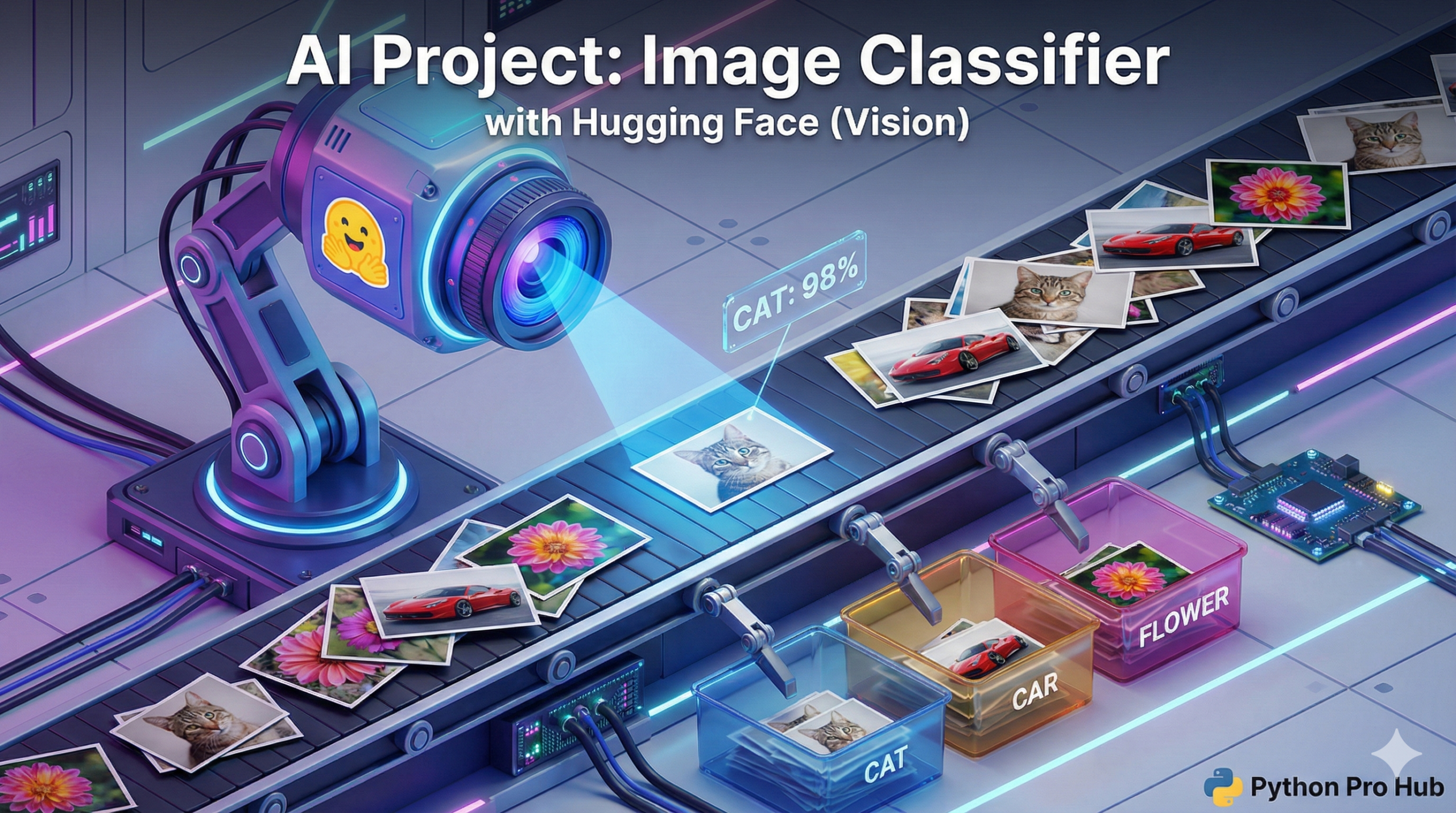
We’ve used Hugging Face to understand text and generate text. Now, let’s use it to understand images with Hugging Face Image Classification.
Image Classification is an AI task where the model looks at a picture and tells you what it sees. The transformers library makes this just as easy as our text projects.
Step 1: Installation
You’ll need <a href="https://pypi.org/project/pillow/" type="link" id="https://pypi.org/project/pillow/">Pillow</a> to handle the images and timm which is a common backend for vision models.
pip install transformers torch pillow timm
Step 2: The Code
We will use the same pipeline as before, but tell it to do “image-classification”. We’ll use a model from Google called vit-base-patch16-224.
from transformers import pipeline
from PIL import Image

# 1. Load the image classification pipeline
# This will download the ViT (Vision Transformer) model
classifier = pipeline("image-classification", model="google/vit-base-patch16-224")

# 2. Open a local image
try:
    # (You'll need to download an image of a cat and save it as 'cat.jpg')
    img = Image.open('cat.jpg')
except FileNotFoundError:
    print("Error: 'cat.jpg' not found. Please download an image.")
    exit()

# 3. Classify the image!
results = classifier(img)

# 4. Print the results
print("--- AI Classification Results ---")
for result in results:
    print(f"Label: {result['label']}")
    print(f"Confidence: {result['score']:.4f}")
    print("-----")
Step 3: The Result
You will get a list of the top 5 predictions:
--- AI Classification Results ---
Label: Egyptian cat
Confidence: 0.8654
-----
Label: tabby, tabby cat
Confidence: 0.0862
-----
...
You just built a powerful computer vision model in a few lines of code!