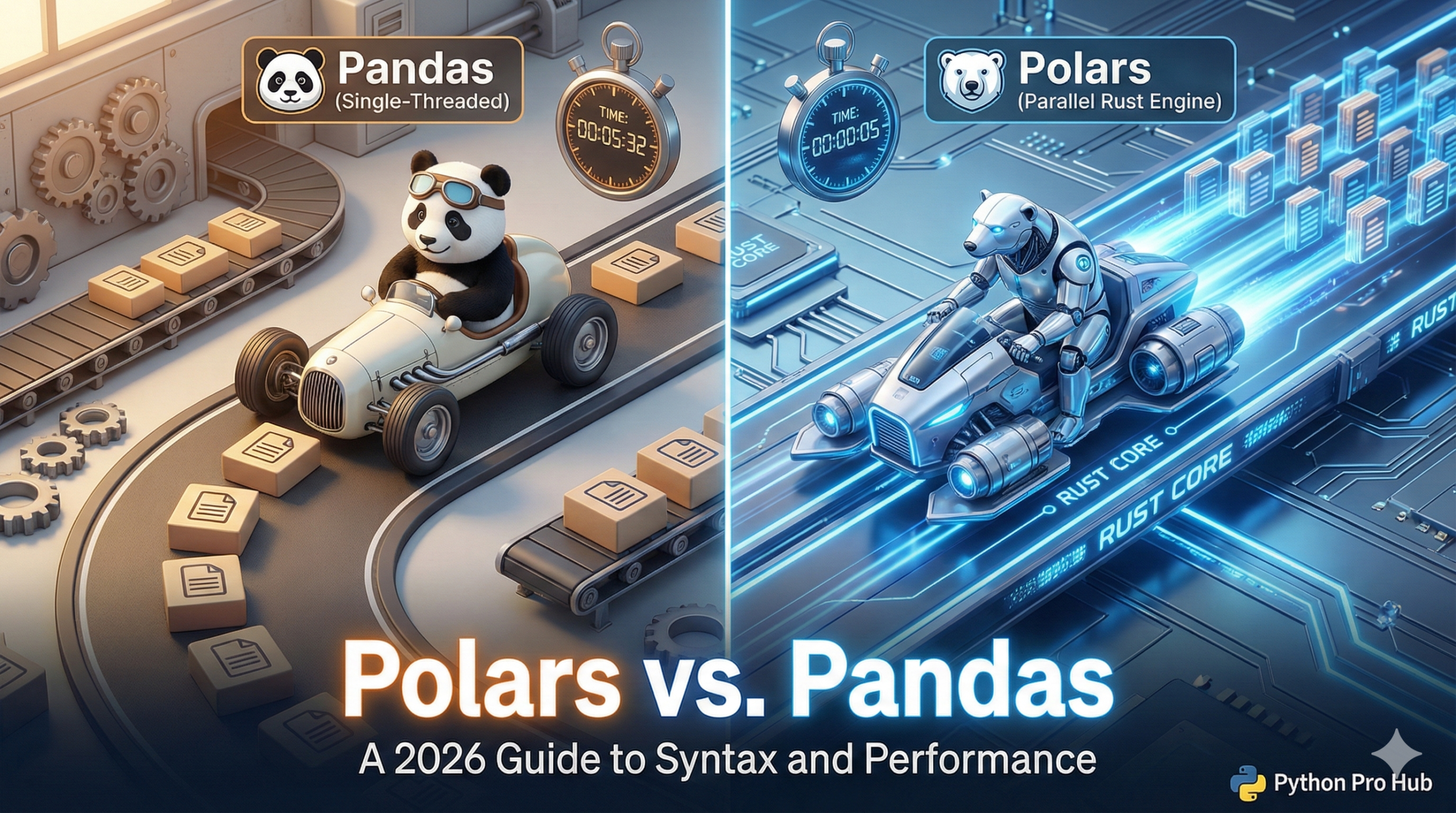
You’ve used Pandas. You’ve read our Intro to Polars. Now, let’s answer the big question: “Why should I switch, and how hard is it?” This article will help you compare Polars vs Pandas so you can decide which tool best suits your needs.
This guide compares the exact syntax for the three most common tasks.
Why Switch?
- Speed: Polars is multi-threaded and built in Rust. It’s not 10% faster; it’s 10-100x faster on large datasets.
- Memory: Polars uses “Lazy Evaluation,” meaning it optimizes your entire query before running it, preventing common out-of-memory errors.
Task 1: Reading a CSV
Pandas:
import pandas as pd
df = pd.read_csv("data.csv")
Polars:
import polars as pl
df = pl.read_csv("data.csv")
Winner: A tie. This is easy.
Task 2: Selecting Columns
Pandas:
# Select one column
ages = df['age']
# Select multiple columns
subset = df[['name', 'age']]
Polars (The “Expression” Syntax): Polars uses a powerful .select() method.
# Select one column
ages = df.select(pl.col("age"))
# Select multiple columns
subset = df.select(["name", "age"])
Winner: Polars. The syntax is cleaner and more consistent.
Task 3: Filtering Rows
Pandas:
# The "bracket" syntax
filtered = df[df['age'] > 30]
Polars: Polars uses a dedicated .filter() method.
# The ".filter()" syntax
filtered = df.filter(pl.col("age") > 30)
Winner: Polars. .filter() is more explicit and readable than df[df[...]].
Task 4: Chaining (The Big Win)
Here is where Polars shines. Let’s find the average salary for all employees over 30, grouped by department, and sorted.
Pandas (The “Old Way”):
# This is hard to read and creates 3 intermediate copies
df_filtered = df[df['age'] > 30]
df_grouped = df_filtered.groupby('department')['salary'].mean()
df_sorted = df_grouped.sort_values(ascending=False)
Polars (The “New Way”): Polars lets you chain everything cleanly.
df_sorted = (
    df.filter(pl.col("age") > 30)
      .group_by("department")
      .agg(pl.col("salary").mean())
      .sort("salary", descending=True)
)
Winner: Polars, by a mile. It’s one single, optimized operation.