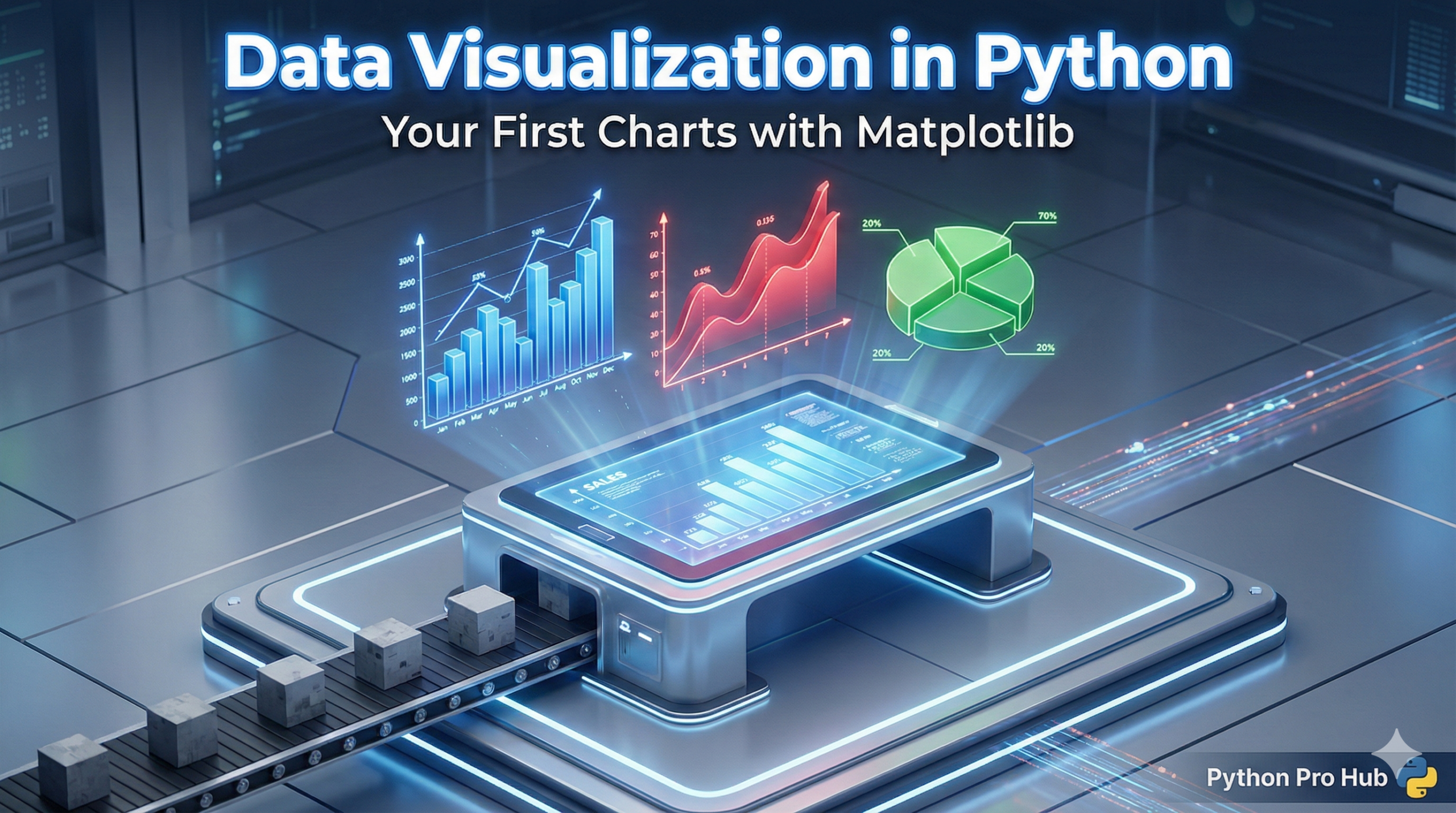
Numbers in a table can only tell you so much. To see trends, patterns, and outliers, you need to visualize your data. This Matplotlib Beginner Guide will help you get started on that journey.
Matplotlib is the foundation of plotting in Python, and this Guide will highlight its importance. Almost every other visualization library (like Seaborn or Pandas’ own plotting tools) is built on top of it.
Step 1: Installation & Import
First, install it in your virtual environment:
pip install matplotlibIn your script, the standard import is essential in a Matplotlib Beginner Guide and is as follows:
import matplotlib.pyplot as pltWe almost always use the pyplot submodule, nicknamed plt. This nickname is standard in any Matplotlib Guide.
Chart 1: The Simple Line Chart
Line charts are perfect for showing trends over time.
import matplotlib.pyplot as plt

# Data points
days = ["Mon", "Tue", "Wed", "Thu", "Fri"]
temperatures = [22, 24, 19, 23, 25]

# Create the plot
plt.plot(days, temperatures, marker='o', color='blue', linestyle='--')

# Add labels to make it readable
plt.title("Weekly Temperature")
plt.xlabel("Day of the Week")
plt.ylabel("Temp (°C)")

# Show it!
plt.show()
Running this code will pop up a window displaying your chart!
Chart 2: The Bar Chart
Bar charts are great for comparing categories.
import matplotlib.pyplot as plt

fruits = ['Apples', 'Bananas', 'Cherries']
counts = [45, 100, 25]

plt.bar(fruits, counts, color=['red', 'yellow', 'darkred'])

plt.title("Fruit Inventory")
plt.ylabel("Count")

plt.show()
Chart 3: The Scatter Plot
Scatter plots show the relationship between two different variables (e.g., “Does studying more lead to higher grades?”).
import matplotlib.pyplot as plt

hours_studied = [1, 2, 3, 4, 5, 6, 7, 8]
exam_scores = [60, 65, 62, 75, 80, 78, 85, 95]

plt.scatter(hours_studied, exam_scores, color='green')

plt.title("Study Time vs. Exam Score")
plt.xlabel("Hours Studied")
plt.ylabel("Score (%)")

plt.show()
Conclusion
You can now turn raw lists of data into clear visual stories. Next, you can learn how to combine Matplotlib directly with Pandas DataFrames for even easier plotting. With this Matplotlib Beginner Guide, you are well on your way.