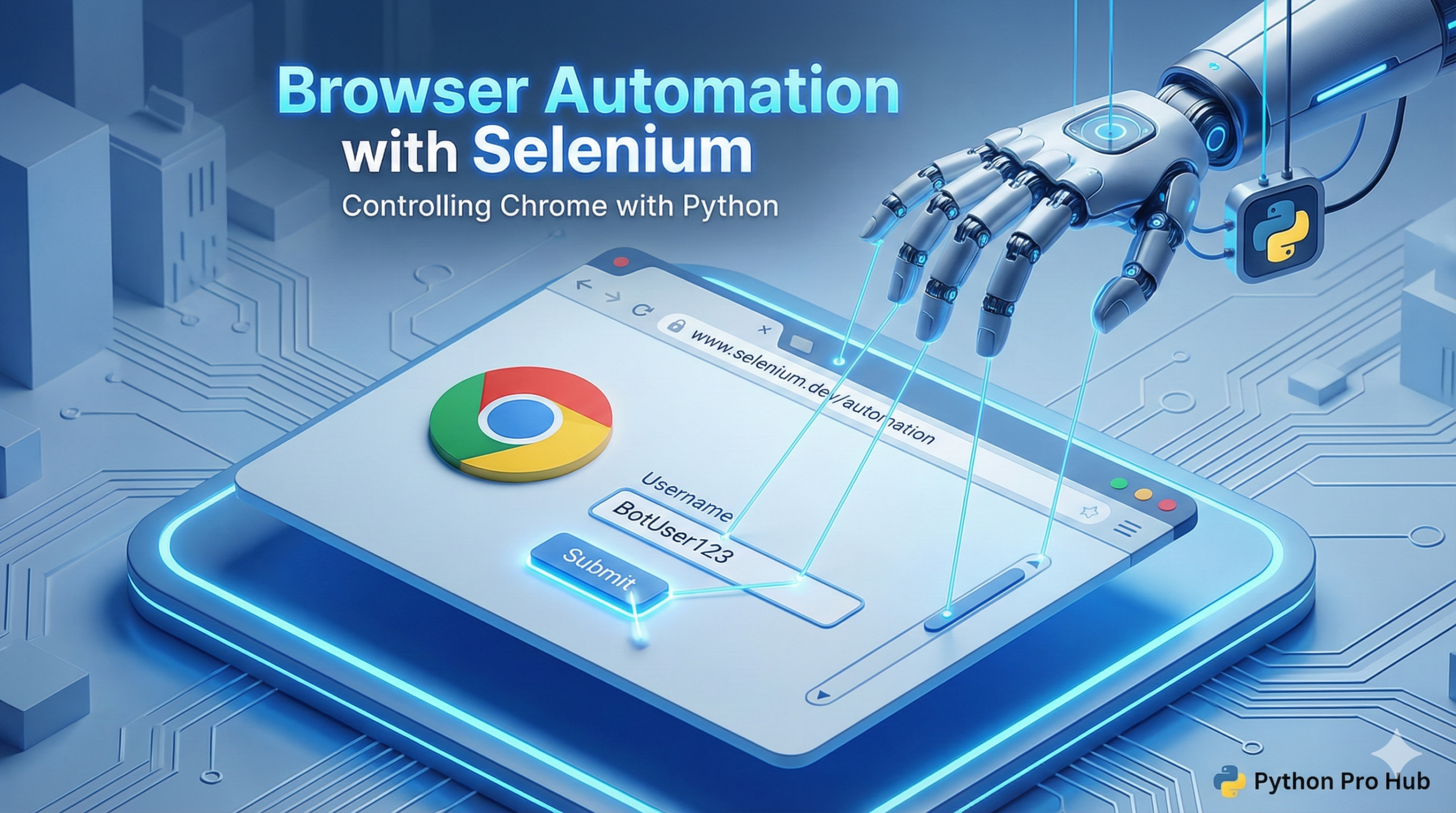
Sometimes requests and BeautifulSoup aren’t enough. For a comprehensive solution, look no further than this Selenium Python Guide. Modern websites use JavaScript to load data, which requests can’t handle.
Selenium is a tool that actually opens a real web browser (like Chrome) and clicks buttons for you.
Step 1: Installation
You need the library and a “driver” for your browser.
pip install selenium webdriver-managerNote: webdriver-manager automatically handles downloading the correct Chrome driver for you.
Step 2: Opening a Page
from selenium import webdriver
from selenium.webdriver.chrome.service import Service
from webdriver_manager.chrome import ChromeDriverManager
import time

# Setup standard options
options = webdriver.ChromeOptions()
options.add_experimental_option("detach", True) # Keeps window open after script ends

# Start the browser
driver = webdriver.Chrome(service=Service(ChromeDriverManager().install()), options=options)

# Go to a website
driver.get("https://www.python.org")

# Wait a bit to see it
time.sleep(2)

# Find an element and interact with it
search_bar = driver.find_element("name", "q") # Find the search box
search_bar.clear()
search_bar.send_keys("beginner")
search_bar.submit() # Hit enter!
You just watched a ghost control your browser!