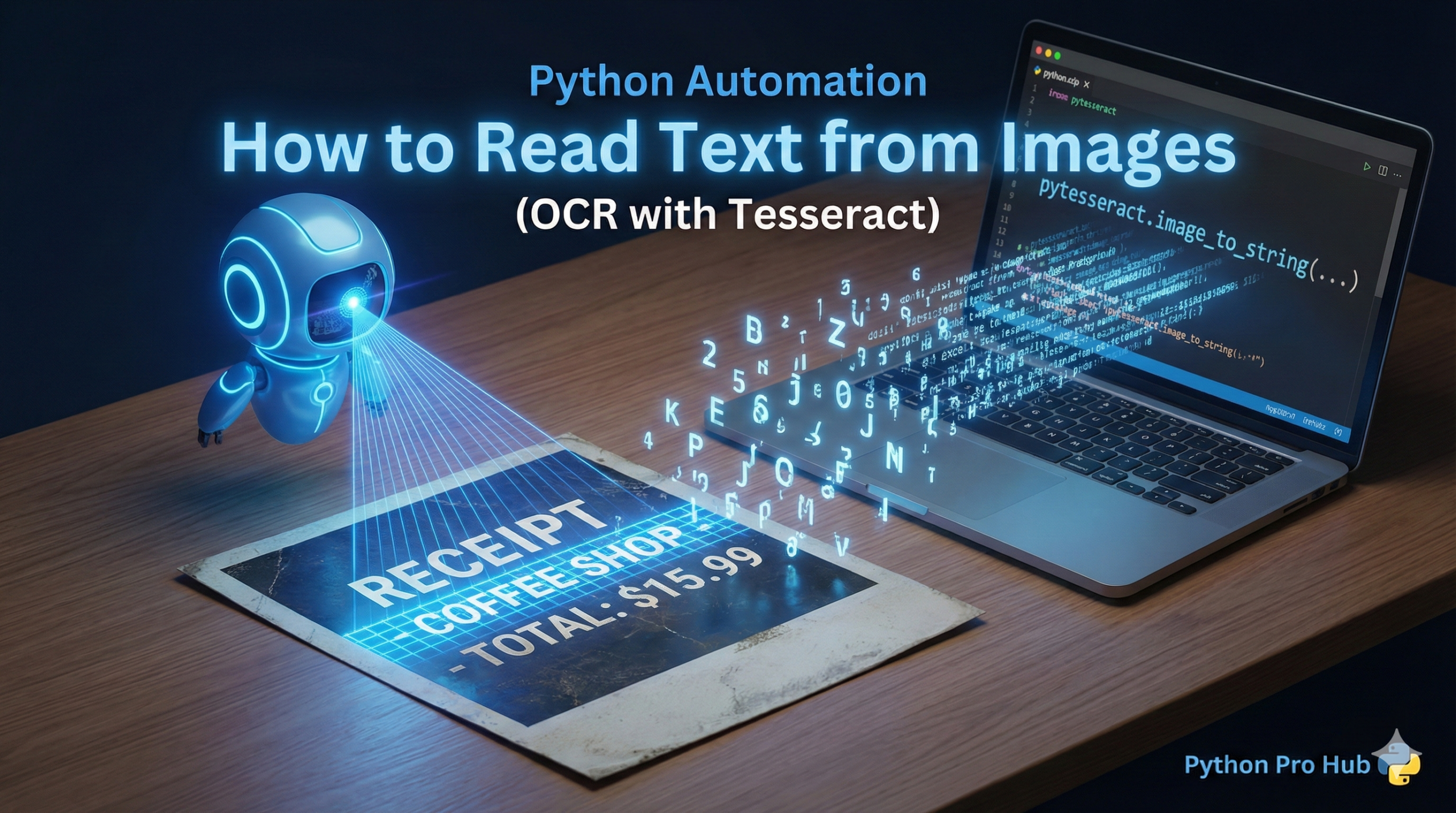
OCR (Optical Character Recognition) is the process of “reading” the text out of an image file. This is perfect for automating data entry from scanned invoices, receipts, or old documents.
Python’s most popular tool for this is pytesseract.
⚠️ Step 1: Installation (Crucial!)
This is a 2-part process. 1. Install the Python library:
pip install pytesseract pillow2. Install Google’s Tesseract Engine: pytesseract is just a “wrapper.” It needs the actual Tesseract program to be installed on your computer.
- On Mac:
brew install tesseract - On Windows: Download and run the official Tesseract installer. You MUST add it to your system PATH.
Step 2: The Python Code
Let’s assume you have an image file named receipt.png that contains text.
from PIL import Image
import pytesseract

# On Windows, you might need to point to the .exe file
# pytesseract.pytesseract.tesseract_cmd = r'C:\Program Files\Tesseract-OCR\tesseract.exe'

try:
    # 1. Open the image using Pillow
    img = Image.open('receipt.png')

    # 2. Use tesseract to convert the image to text
    text = pytesseract.image_to_string(img)

    # 3. Print the result!
    print("--- Text found in image: ---")
    print(text)

except FileNotFoundError:
    print("Error: Could not find 'receipt.png'.")
except Exception as e:
    print(f"An error occurred. Did you install Tesseract? Error: {e}")
You can now write scripts that scan a folder of images, extract the text, and save it to a .txt file or an Excel sheet.