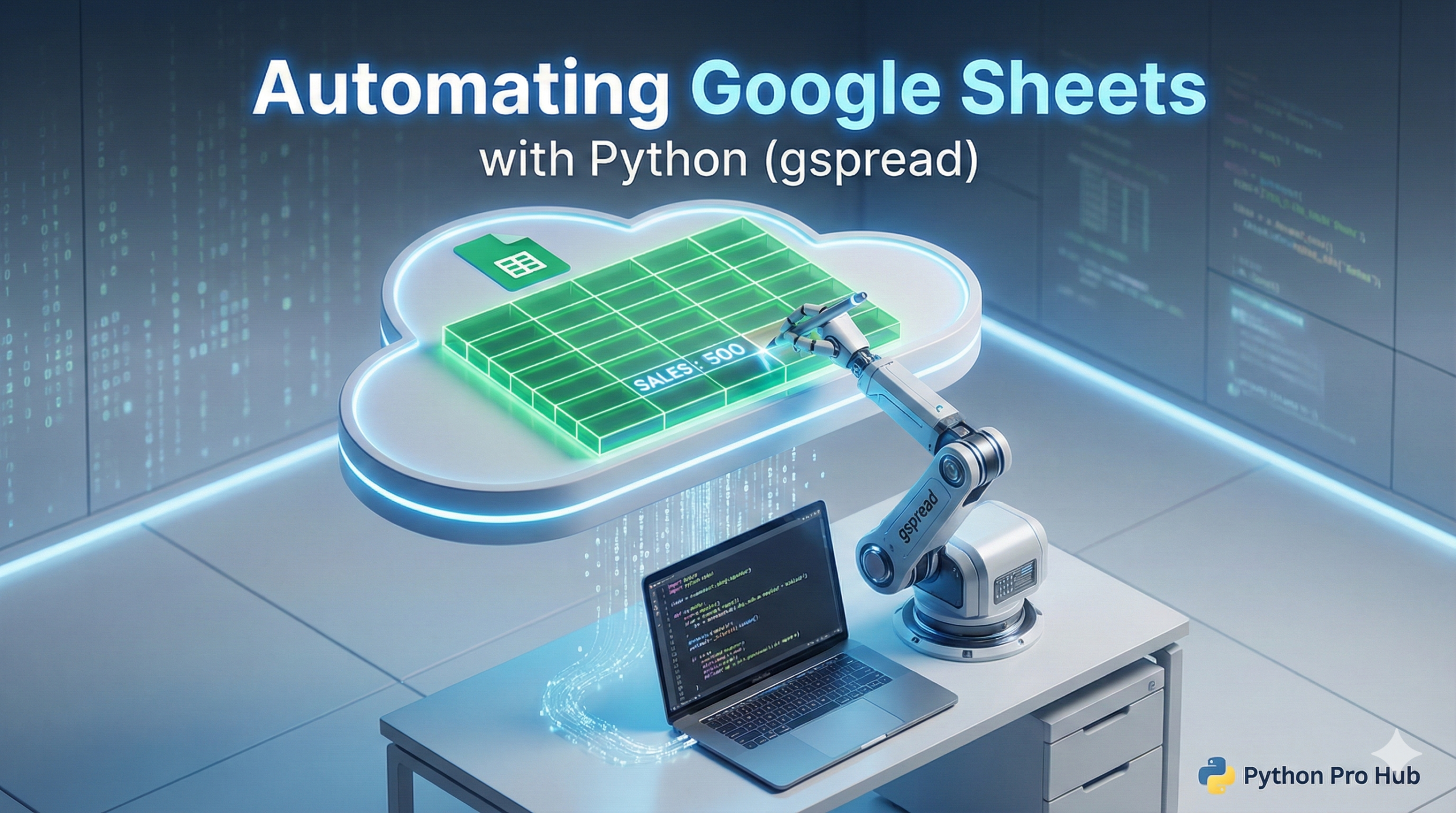
We’ve automated Excel, but what about cloud data? If you’re looking to work efficiently with Google Sheets Python integration, gspread is a fantastic library for controlling Google Sheets.
Step 1: Authentication (The Hard Part)
This is the trickiest step. You need to tell Google your script is allowed to edit your sheets.
- Go to the Google Cloud Console and create a new project.
- Enable the “Google Drive API” and “Google Sheets API”.
- Create a “Service Account” (under Credentials).
- Download the JSON credentials file (it will be named
something.json). - Share your Google Sheet with the
client_emailaddress inside that JSON file (just like sharing with a person).
Step 2: Installation
pip install gspreadStep 3: The Code
import gspread

# 1. Authenticate
gc = gspread.service_account(filename="path/to/your/credentials.json")

# 2. Open your sheet (by its name)
sh = gc.open("MyPythonTestSheet")

# 3. Get the first worksheet
worksheet = sh.sheet1

# 4. Read a cell
cell_value = worksheet.acell('A1').value
print(f"A1: {cell_value}")

# 5. Write to a cell
worksheet.update('B1', 'Hello from Python!')

# 6. Add a new row
new_row = ["Alice", "30", "Engineer"]
worksheet.append_row(new_row)