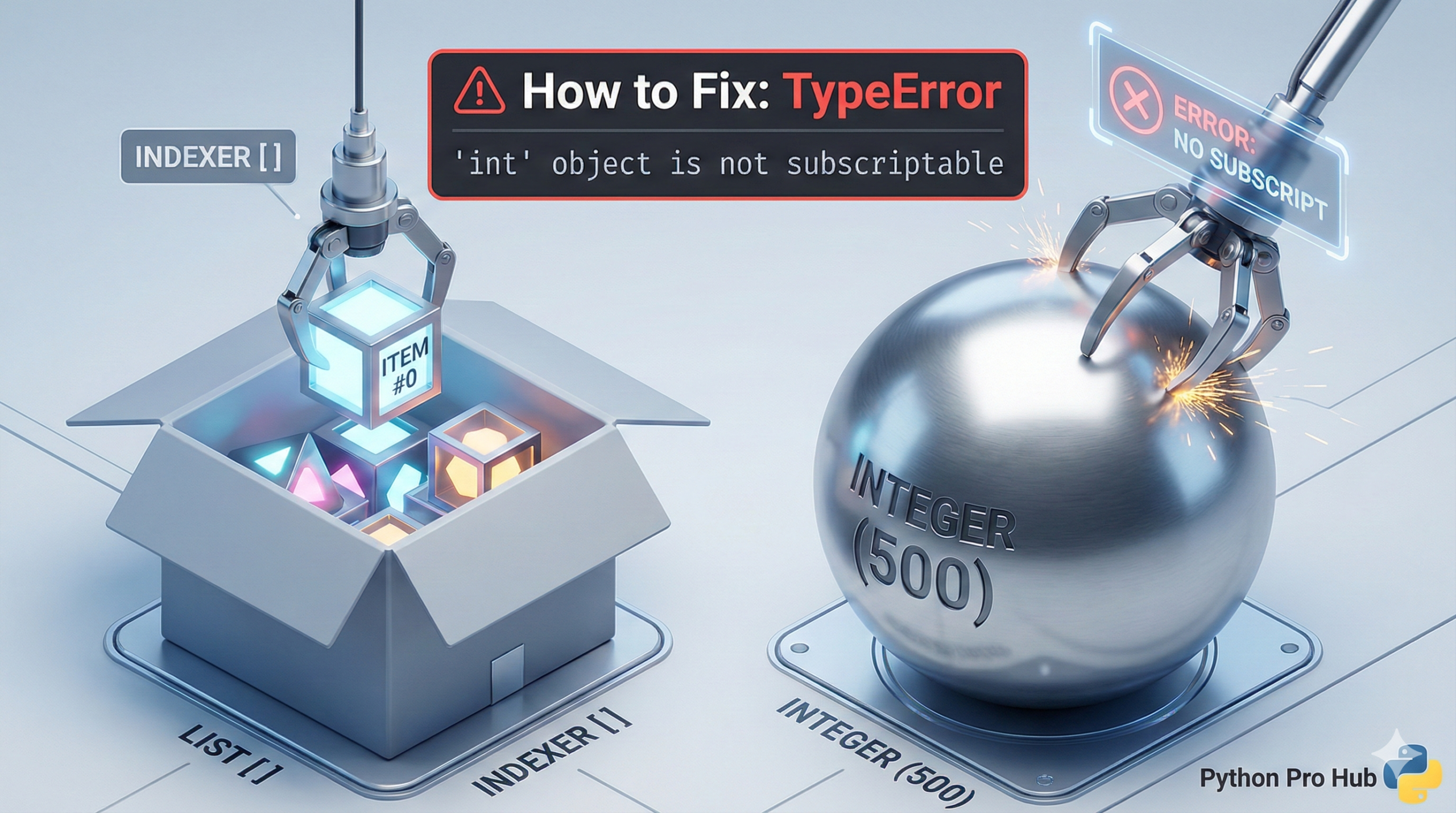
This error is a classic beginner mistake. You may have come across the message TypeError int not subscriptable when working with Python code.
- “Subscriptable” means “an object that can be accessed with square brackets
[].” (e.g., lists, strings, dictionaries). - “int object” means a number, like
5or123.
The error means: “You are trying to use square brackets on a plain number.”
⚡ Quick Fix: TypeError: ‘int’ object is not subscriptable — Python str() Digit Access Fix and Overwritten Variable Type Check
You used square brackets on an integer — integers are single values with no positions, no keys, and no index access. Only strings, lists, tuples, and dictionaries support bracket notation.
# WRONG — integers have no index 0, 1, 2...
my_number = 12345
first_digit = my_number[0]        # TypeError: 'int' object is not subscriptable

# WRONG — function returns an int, you treat it like a list
def get_score():
    return 100

score = get_score()
print(score[0])                   # TypeError: 'int' object is not subscriptable

# RIGHT — convert to string first to access individual digits
my_number = 12345
number_str = str(my_number)
first_digit = number_str[0]       # Output: '1'
first_digit_int = int(number_str[0])  # Output: 1

# RIGHT — extract all digits as integers in one line
digits = [int(d) for d in str(my_number)]
print(digits)                     # Output: [1, 2, 3, 4, 5]
Check the variable’s type with print(type(your_variable)) — if it prints where you expected a list or string, trace back to the assignment that produced it.
The Cause
A number is a single value. It doesn’t have “positions” or “keys.”
Problem Code:
my_number = 12345

# Try to get the first digit
first_digit = my_number[0]
# CRASH! TypeError: 'int' object is not subscriptable
You can’t ask a number for its “zeroth” item.
The Fix: Convert to a String
If you need to access the individual digits of a number, you must first convert that number into a string. Strings are subscriptable.
my_number = 12345

# 1. Convert to string
number_as_string = str(my_number)

# 2. Now you can use brackets!
first_digit = number_as_string[0]

print(first_digit) # Output: '1'

# (Optional) Convert back to an integer
first_digit_as_int = int(first_digit)
print(first_digit_as_int) # Output: 1
This is the standard way to “pick apart” a number in Python.
TypeError: ‘int’ object is not subscriptable — Type Check, str() Conversion, and the Overwrite Trap
TypeError: ‘int’ object is not subscriptable fires the moment Python sees brackets after an integer. Integers have no internal sequence — no first item, no last item, no key. Only types that implement getitem support bracket access: strings, lists, tuples, and dictionaries.
Run print(type(your_variable)) on the variable that crashed. If it prints and you expected a list or string, the variable was assigned the wrong type somewhere above the crash line. The fix lives at the assignment, not at the bracket access.
Two sources produce this assignment mismatch.
A function returns an integer where you expected a collection. get_score() returning 100 is not the same as get_scores() returning [100, 95, 88]. Check the return statement of every function whose result you access with brackets — one missing s in the function name or one wrong return value changes the entire type.
A variable got overwritten with an integer mid-script. A variable that starts as a list and later gets reassigned to an integer produces this error the next time brackets hit it. Search every assignment to that variable name in the file — the one assigning an integer where a list is expected is the bug.
The digit-access pattern every developer needs:
digits = [int(d) for d in str(my_number)] # all digits as integers
first = int(str(my_number)[0]) # first digit as integer
last = int(str(my_number)[-1]) # last digit as integer
Convert to string for position access, convert back to int for math. Keep those two operations separate and this TypeError never appears again.