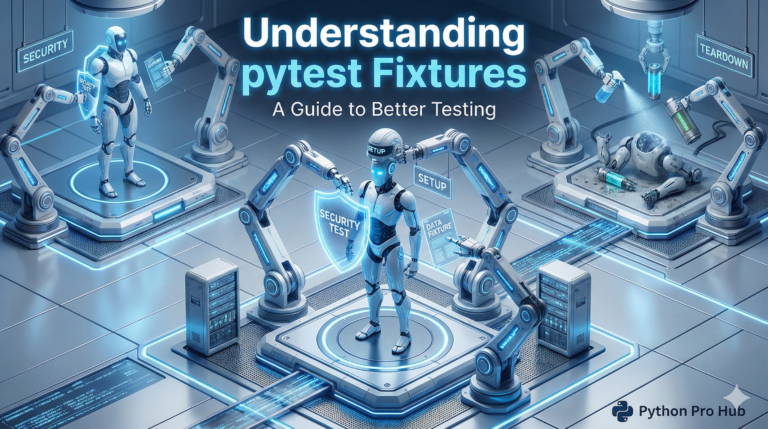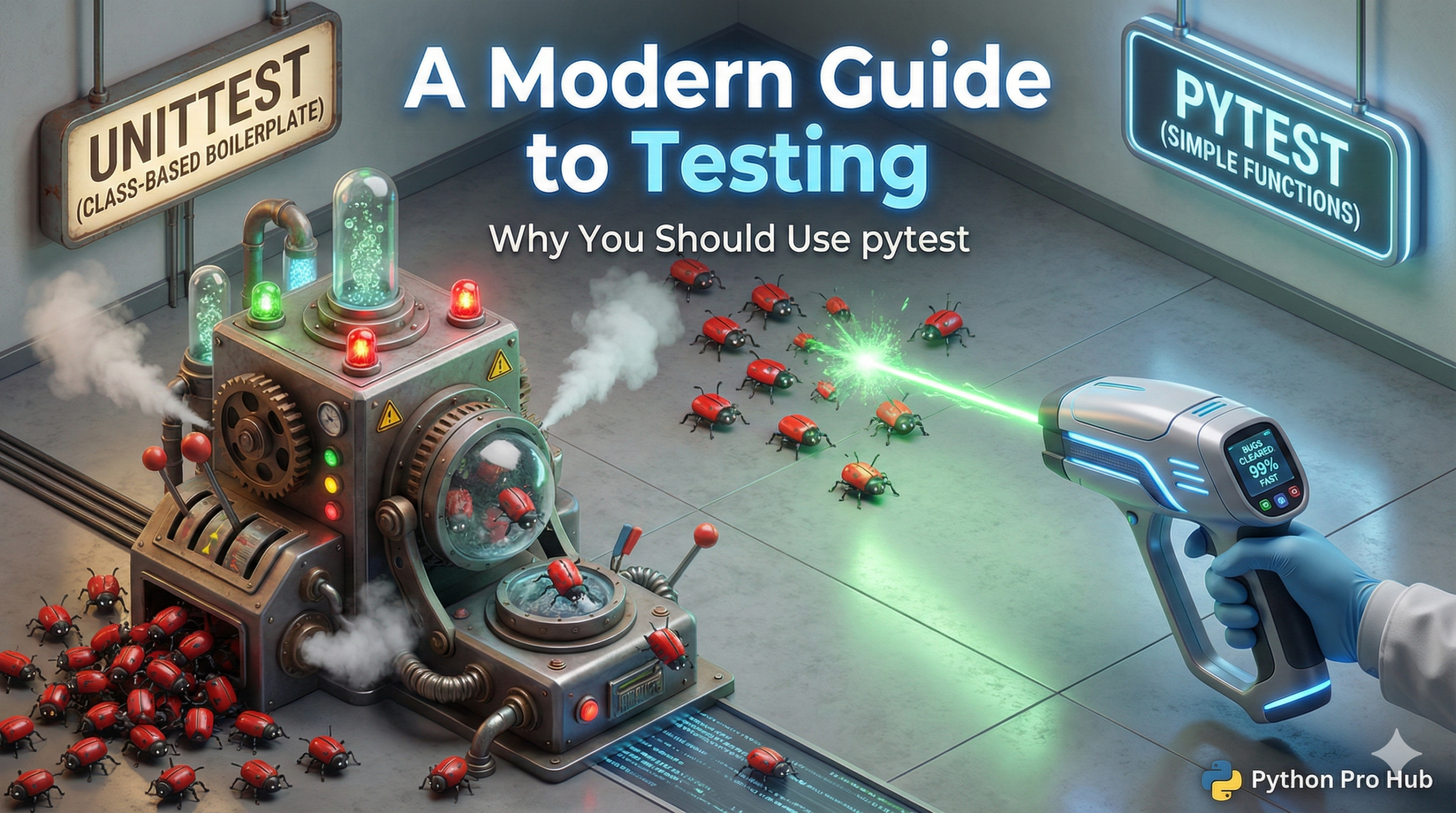
In our unittest guide, we learned how to write automated tests. This Python pytest guide will help you get started with the preferred testing tool. While unittest is built-in, most of the Python community (including professionals) prefers to use <a href="https://docs.pytest.org/en/stable/" type="link" id="https://docs.pytest.org/en/stable/">pytest</a>.
Why? Because it’s simpler, cleaner, and requires almost no boilerplate code.
The pytest Philosophy: Plain assert Statements
pytest‘s magic is its use of the standard assert keyword. You don’t need to remember all the different self.assertEqual, self.assertTrue, self.assertRaises methods.
Let’s test the same add() function from our unittest article.
The unittest Way (Old):
# test_math.py
import unittest
from my_math import add

class TestMyMath(unittest.TestCase):
    def test_add(self):
        self.assertEqual(add(10, 5), 15)
The pytest Way (Modern):
# test_math.py
from my_math import add

def test_add():
    assert add(10, 5) == 15
    assert add(-1, 1) == 0
    assert add(0, 0) == 0
That’s it! No classes, no self, no special methods. pytest is smart enough to know that assert add(10, 5) == 16 failed, and it will give you a detailed report on why (e.g., “AssertionError: 15 != 16”).
How to Run It
- Install:
pip install pytest - Run: Just open your terminal,
cdto your project’s root folder, and type:
pytest
pytest will automatically discover any file named test_*.py or *_test.py and run all functions named test_*() inside them.