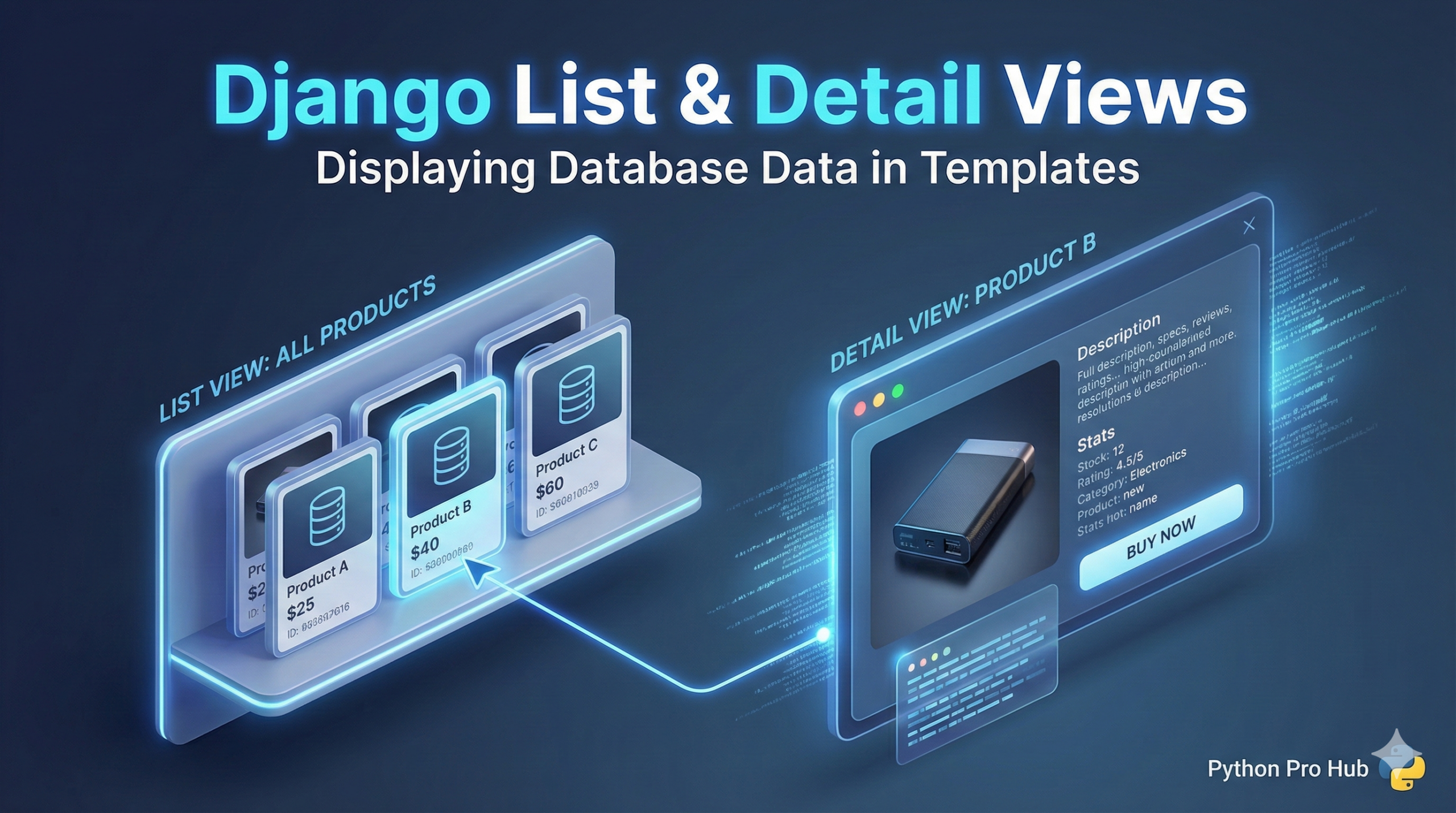
So far, we have Models with data and Templates with HTML. Now, we’ll connect them using Django List View and Detail View to show your data on the site.
We’ll use Django’s built-in “Generic Views” to do 90% of the work for us.
1. The List View (Showing All Posts)
First, we tell Django: “We want a page that shows a list of all our Posts.”
pages/views.py
from django.views import generic
from .models import Post

class PostListView(generic.ListView):
    model = Post
    template_name = 'pages/post_list.html'
    context_object_name = 'post_list' # Call our list this in the HTML
pages/templates/pages/post_list.html Now, we loop through the list Django gave us (post_list).
<h1>All Blog Posts</h1>
<ul>
  {% for post in post_list %}
    <li>
      <a href="{% url 'post_detail' post.pk %}">
        {{ post.title }}
      </a>
    </li>
  {% empty %}
    <li>No posts yet.</li>
  {% endfor %}
</ul>
Notice the {% url 'post_detail' post.pk %}? That’s how we link to the detail page for each specific post.
2. The Detail View (Showing One Post)
Now we create a view for showing just one post.
pages/views.py
# Add this to your imports
from django.views import generic
from .models import Post

# ... PostListView is already here ...

class PostDetailView(generic.DetailView):
    model = Post
    template_name = 'pages/post_detail.html'
    context_object_name = 'post' # Call our post this
pages/templates/pages/post_detail.html
<h1>{{ post.title }}</h1>
<p>{{ post.text }}</p>

<a href="{% url 'post_list' %}">Back to list</a>
3. The URLs
Finally, wire them up in pages/urls.py.
from django.urls import path
from .views import PostListView, PostDetailView
urlpatterns = [
    # ex: /
    path('', PostListView.as_view(), name='post_list'),
    # ex: /post/5/  (The '5' is the Primary Key 'pk')
    path('post/<int:pk>/', PostDetailView.as_view(), name='post_detail'),
]
Now, your homepage will show a list of all posts, and you can click any of them to see the full text!