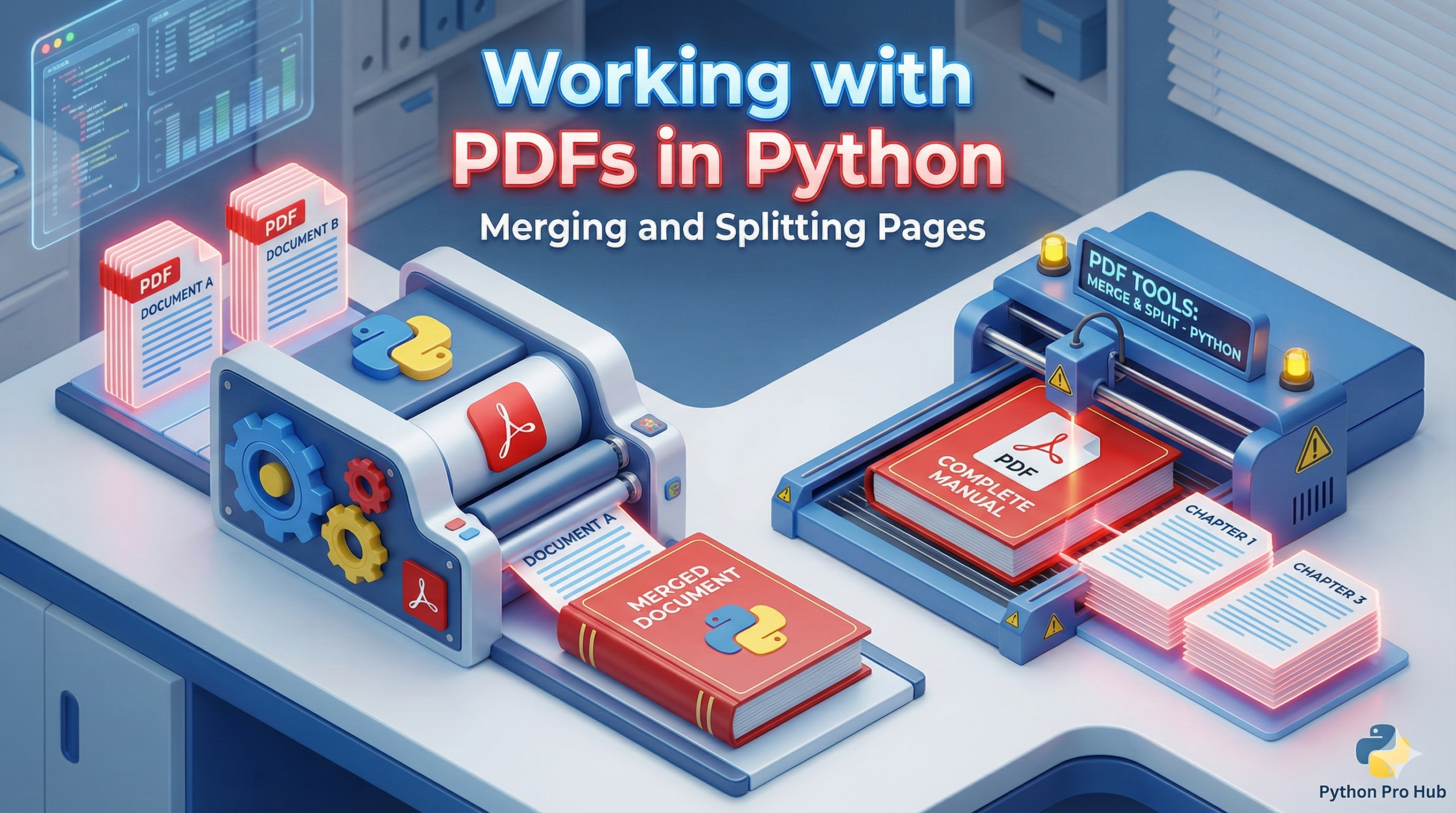
Handling PDFs is a daily task for many, but software to edit them can be expensive. Python PDF Automation tools can manage this task for free using the <a href="https://pypi.org/project/pypdf/" type="link" id="https://pypi.org/project/pypdf/">pypdf</a> library.
Step 1: Install the Library
pip install pypdf
Task 1: Merging Multiple PDFs
Imagine you have report_part1.pdf and report_part2.pdf and you want to combine them using Python for automated PDF processing.
from pypdf import PdfWriter

merger = PdfWriter()

# List of PDF files to merge, in order
pdf_files = ["report_part1.pdf", "report_part2.pdf"]

for pdf in pdf_files:
    merger.append(pdf)

# Write the combined file
merger.write("merged_report.pdf")
merger.close()
print("PDFs merged successfully!")
Task 2: Splitting a PDF (Extracting Pages)
What if you only want page 3 from a 100-page document? Python PDF automation simplifies this by extracting specific pages.
from pypdf import PdfReader, PdfWriter

# Open the big file
reader = PdfReader("big_document.pdf")
writer = PdfWriter()

# Get page 3 (Remember, Python is 0-indexed, so page 3 is index 2!)
page_3 = reader.pages[2]
writer.add_page(page_3)

# Save it as a new file
with open("page_3_only.pdf", "wb") as output_file:
    writer.write(output_file)

print("Page extracted successfully!")
Note the "wb" mode when opening the file. This stands for “Write Binary”, which is required for non-text files like PDFs.
Key Takeaways
- Editing PDFs can be expensive, but Python PDF Automation tools like the pypdf library offer a free solution.
- To start, install the pypdf library for managing PDFs easily.
- You can merge multiple PDFs, such as report_part1.pdf and report_part2.pdf, using Python.
- Additionally, you can extract specific pages from a PDF, like page 3 from a 100-page document.
- Remember to open files in ‘wb’ mode for writing binary data when working with PDFs.