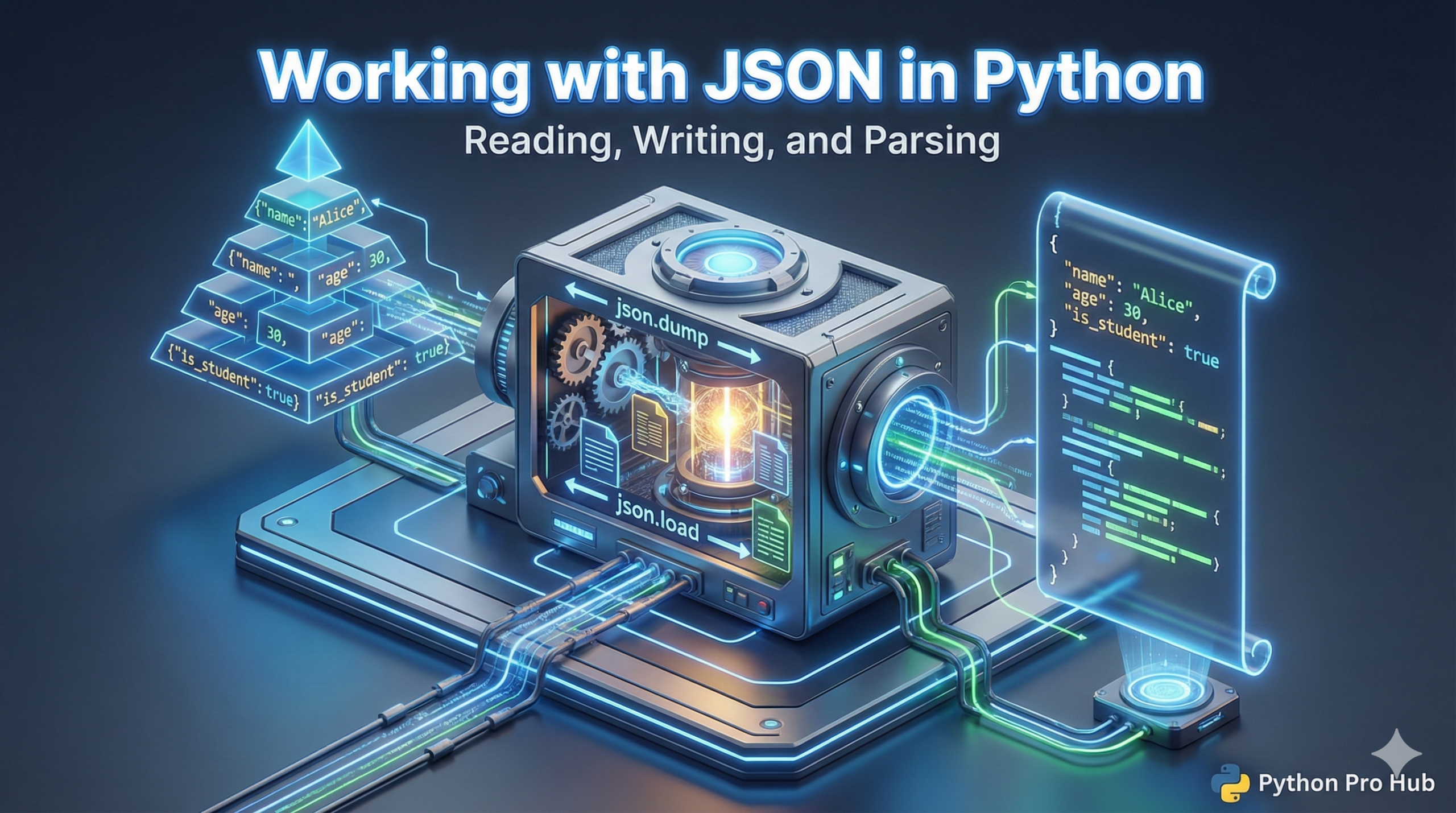
In this Python JSON Guide, you will learn how JSON (JavaScript Object Notation) is the standard format for sending data across the web. If you use an API, you will get JSON back.
Luckily, JSON looks almost exactly like a Python Dictionary.
The json Module
Python comes with a built-in tool for this.
import json
1. Parsing JSON String to Python (Loads)
“Loads” stands for “Load String”.
json_string = '{"name": "Alice", "age": 25, "is_student": false}'

# Convert string -> Python dictionary
data = json.loads(json_string)

print(data["name"])  # Output: Alice
print(type(data))    # Output: <class 'dict'>
Notice how false (lowercase, JSON style) automatically became False (uppercase, Python style).
2. Converting Python to JSON String (Dumps)
“Dumps” stands for “Dump to String”.
python_dict = {"name": "Bob", "hobbies": ["coding", "gaming"]}

# Convert Python dict -> JSON string
json_output = json.dumps(python_dict)
print(json_output)
# Output: {"name": "Bob", "hobbies": ["coding", "gaming"]}
3. Reading/Writing JSON Files (load/dump)
If you are working with actual .json files, use load() and dump() (no ‘s’ at the end).
# Writing to a file
data = {"settings": {"theme": "dark", "volume": 80}}
with open("config.json", "w") as f:
    json.dump(data, f, indent=4) # indent makes it readable!

# Reading from a file
with open("config.json", "r") as f:
    loaded_data = json.load(f)
    print(loaded_data["settings"]["theme"]) # Output: dark
Key Takeaways
- JSON is the standard format for sending data via APIs, and it resembles a Python Dictionary.
- The `json` module in Python provides built-in tools for working with JSON.
- Use ‘loads’ to parse JSON strings into Python objects and ‘dumps’ to convert Python objects to JSON strings.
- For reading and writing JSON files, use ‘load()’ and ‘dump()’ functions.