When working with databases today, Django Models can simplify the process. A real website needs to save data: users, blog posts, comments, products. In the old days, you had to write complex SQL (Structured Query Language) to talk to your database.
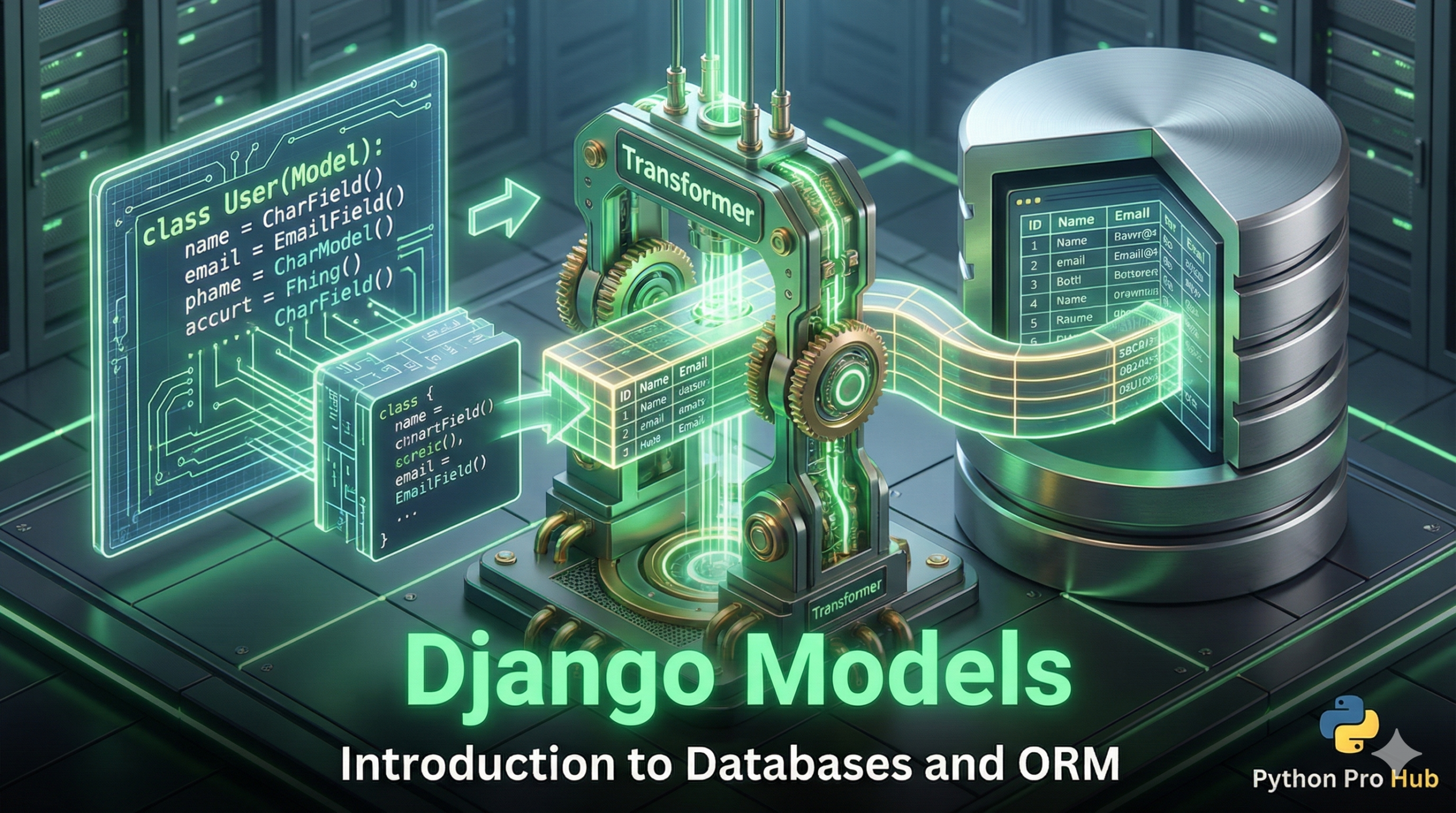
Django has a better way: the ORM (Object-Relational Mapper).
Instead of writing SQL, you write standard Python Classes, and Django translates them into database tables automatically. These classes are called Models.
Step 1: Creating a Model
Let’s add a simple blog post capability to our pages app. Open pages/models.py.
from django.db import models

class Post(models.Model):
    title = models.CharField(max_length=200)
    text = models.TextField()

    def __str__(self):
        # This tells Django how to display this object in the Admin panel
        return self.title
We just defined a database table! It will have a title column (short text) and a text column (long text).
Step 2: Migrations (The Magic Step)
We wrote the Python code, but the database doesn’t know about it yet. We need to create a “migration file” (a set of instructions for the database) and then “migrate” (execute those instructions).
Run these two commands in your terminal:
python manage.py makemigrations
python manage.py migrate
You should see lots of green “OK” messages. Your database now has a Post table!
Step 3: The Django Admin
Django gives you a free, professional website to manage your data. First, create an admin user for yourself:
python manage.py createsuperuser
(Follow the prompts to set a username and password).
Next, tell the Admin panel about your new Post model. Open pages/admin.py:
from django.contrib import admin
from .models import Post

admin.site.register(Post)
Now, run your server (python manage.py runserver), go to http://127.0.0.1:8000/admin/, and log in. You will see your “Posts” section ready to go!
Key Takeaways
- Django Models simplify database interactions by using Python Classes instead of complex SQL.
- To create a model, define a Post with a title and text column in pages/models.py.
- Use migrations to instruct the database about the new model, executing commands in your terminal.
- Django offers an admin interface for managing data; create an admin user and register the Post model.
- Finally, run the server to access the admin panel and manage your Posts easily.