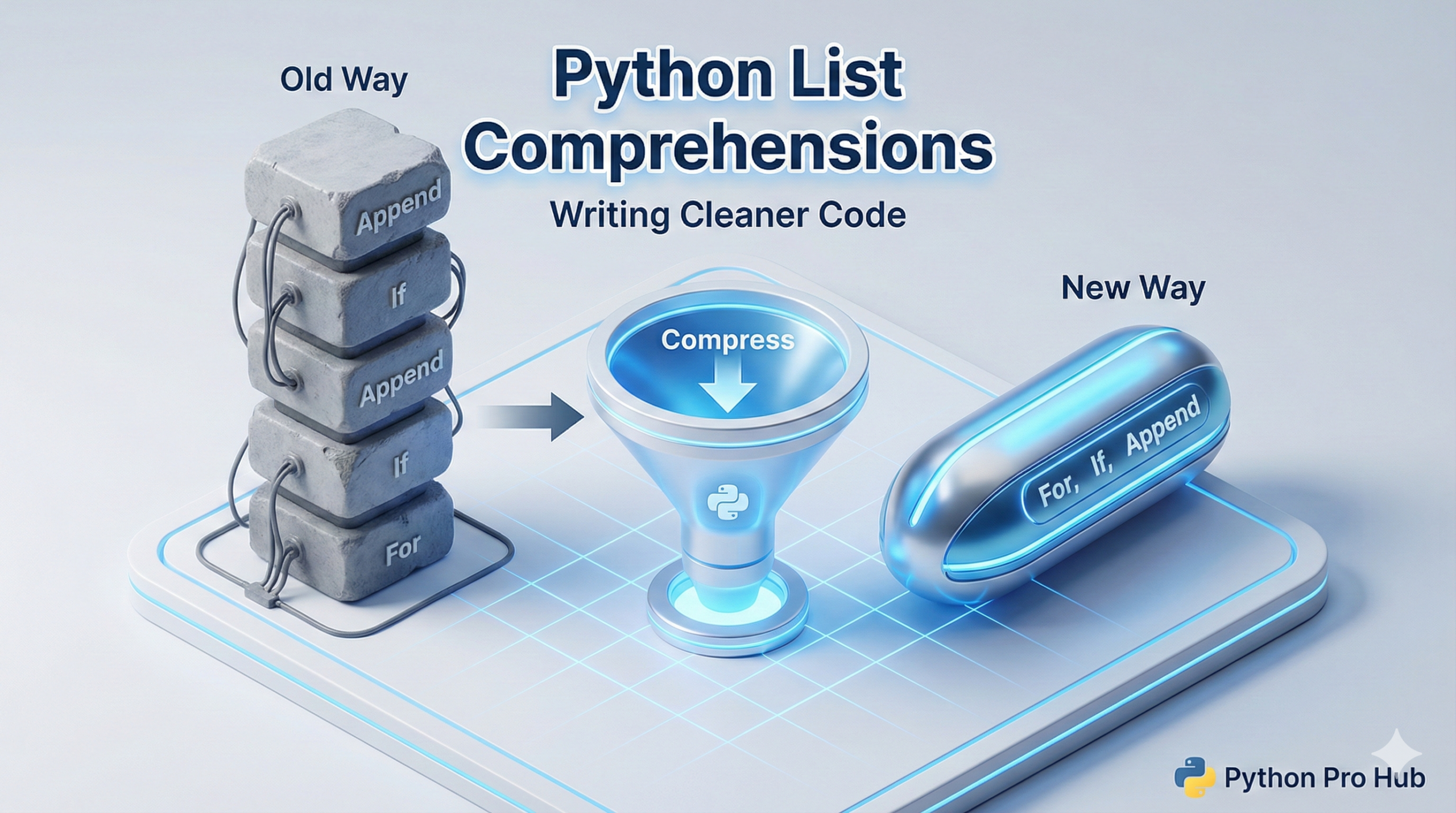
If you have been writing Python for more than a few days, you have likely written this exact sequence of boilerplate code:
- Create an empty list.
- Start a
forloop. - Execute some logic.
- Use
.append()to add the result to the list.
# The Traditional (and verbose) Way
squares = []
for num in range(10):
    squares.append(num * num)
While this works perfectly fine, it takes four lines of code to execute a trivial task. In production codebases, readability and conciseness are critical.
⚡ The “Pythonic” Way
List comprehensions allow you to condense that entire loop into a single, highly optimized line. Once you get used to the syntax, it is significantly faster to read and execute.
# The Syntax: [EXPRESSION for ITEM in ITERABLE]
squares = [num * num for num in range(10)]
It reads exactly like plain English: “Give me num * num FOR every num IN the range(10).”
🔍 Adding Conditions (Filtering)
You can easily inject an if statement directly into the comprehension to filter items out of your new list on the fly. For example, if we only want to keep the even squares:
The Old Way:
even_squares = []
for num in range(10):
    if (num * num) % 2 == 0:
        even_squares.append(num * num)
The New Way:
even_squares = [num * num for num in range(10) if (num * num) % 2 == 0]
🛑 When NOT to use List Comprehensions
List comprehensions are powerful, but they are not always the right tool. If your logic requires multiple nested if/else statements, or deep nested for loops, a comprehension quickly becomes an unreadable mess.
In those cases, stick to the standard, multi-line for loop. Readability always comes first.
🎯 Key Takeaways
Prioritize Readability: Never use a list comprehension if the logic is so complex that it makes the code harder to read.
Condense Boilerplate: List comprehensions reduce standard for loops and .append() calls into a single line of clean code.
Inline Filtering: You can seamlessly add if conditions to the end of a comprehension to filter your data.