
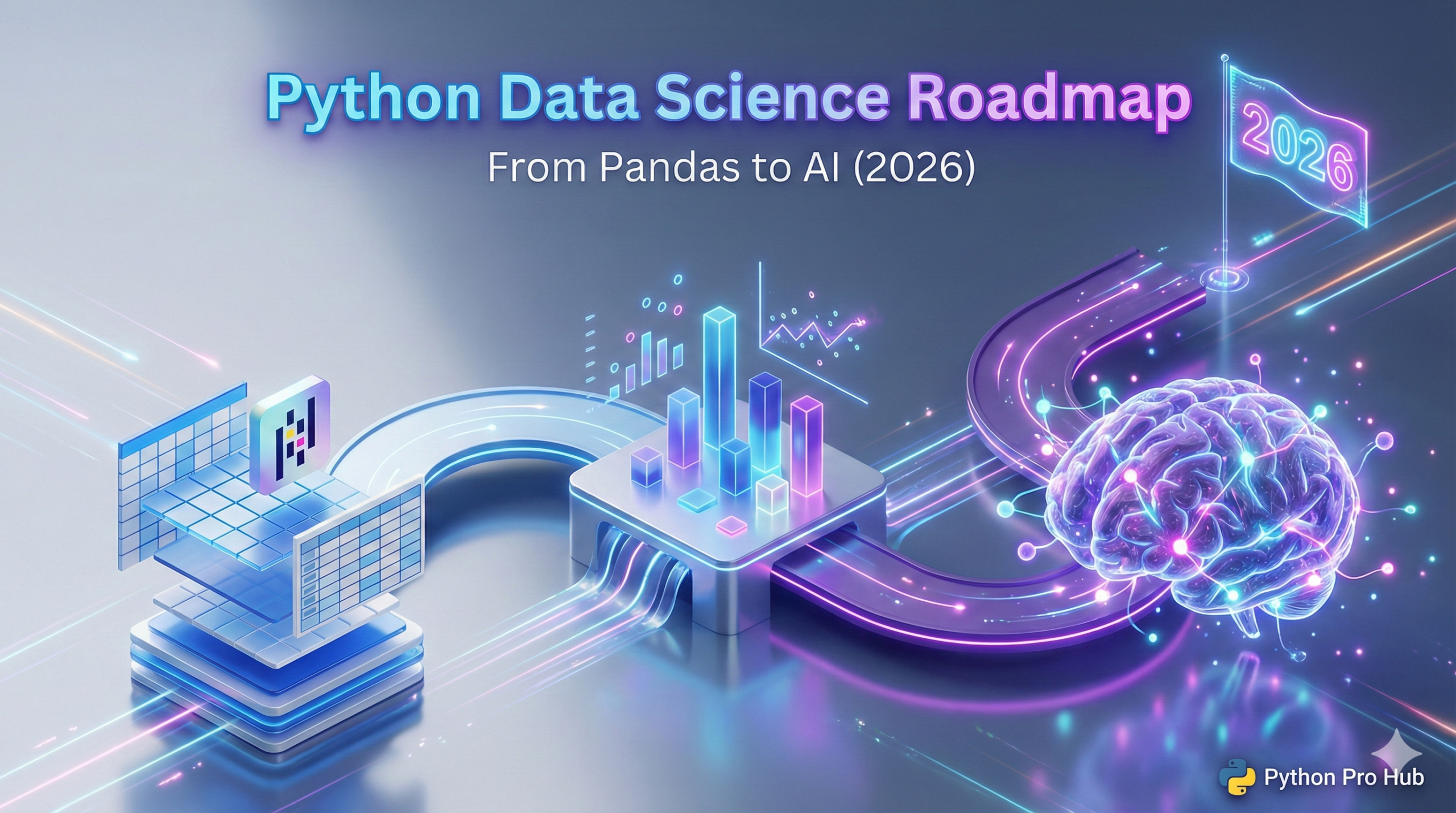
📖 The Modern Data Stack (2026 Edition)
Python is the #1 language for Data Science in the world. If you’re interested in Python Data Science & AI, it’s important to remember that Python alone isn’t enough. To do real data science, you need to use a specific set of powerful libraries known as the “Python Data Science Stack.”
If you’ve mastered Python Basics, this is your next big step. Specifically, this guide introduces you to the classic pillars (Pandas, NumPy, Scikit-Learn) and bridges the gap to the modern, high-performance tools that define 2026: Polars and Generative AI.
Table of contents
- 🐼 1. Pandas & Polars: The Excel Killers
- 🔢 2. NumPy: The Mathematical Engine
- 🧠 3. Scikit-Learn: The Machine Learning Library
- 🤖 4. Generative AI & Large Language Models (LLMs)
- 📊 5. Matplotlib & Seaborn: The Visualization Tools
- 👁️ 6. Computer Vision
- 🗺️ Conclusion: Your Learning Path
- 💡 Frequently Asked Questions About Python Data Science
🐼 1. Pandas & Polars: The Excel Killers
If you only learn one skill, make it DataFrames. Essentially, these tools let you load massive datasets, clean messy data, and reshape it in seconds.
The Classic: Pandas
Pandas is designed for working with structured data (like Excel spreadsheets or SQL tables). Currently, it is the industry standard for data cleaning and manipulation.
- Key Object: The DataFrame (a super-powered Excel sheet in memory).
- What it’s for: Data analysis, cleaning messy data, and small-to-medium datasets.
The Future: Polars
In 2026, we don’t just use Pandas. In contrast, we use Polars—a Rust-powered library that is 10x-50x faster. It uses “Lazy Execution” to process files larger than your RAM.
- Performance: Stop waiting for
read_csv. First, learn why Polars is the new standard for performance and how to switch. The Future of DataFrames: Intro to Polars for High-Performance Python (2026 Guide) - Lazy Execution: Processing a file larger than your RAM? Specifically, discover the power of the Lazy API (
scan_csv). [Coming] Polars LazyFrame vs. DataFrame: Understanding Lazy Execution
Advanced Data Engineering
- Filtering: Complex filtering is slow in Pandas. Therefore, master Polars “Expressions” to filter millions of rows in milliseconds. [Coming] Master Polars: A Guide to the Expression API (select, filter, with_columns)
- Reshaping: Reshaping data for reports? Learn how to Pivot (Long to Wide) and Melt (Wide to Long) instantly. [Coming] Polars Reshaping: pivot (Wide) and melt (Long) Guide
- SQL Integration: Don’t lose your SQL skills. Instead, learn how to run SQL queries directly on your Polars DataFrames. [Coming] From SQL to Polars: A Translation Guide for Data Analysts
🔢 2. NumPy: The Mathematical Engine
NumPy (Numerical Python) is the foundation that everything else is built on. Fundamentally, it is essential for understanding what happens “under the hood.”
It specializes in highly efficient mathematical operations on huge lists of numbers (called “arrays”). Pure Python is too slow for complex math on millions of data points; however, NumPy is blazingly fast because it’s written in C.
- Key Object: The
ndarray(N-dimensional array). - What it’s for: Linear algebra, complex math functions, and generating random numbers.
🧠 3. Scikit-Learn: The Machine Learning Library
Once your data is clean (Pandas/Polars), you want to make predictions. Consequently, Scikit-Learn (sklearn) becomes the gold standard for classical machine learning.
Core Concepts
- Regression: Predicting a number (e.g., future stock price).
- Classification: Predicting a category (e.g., is this email “spam” or “not spam”?).
- Clustering: Grouping similar data points together automatically.
Practical Models
- Forecasting: Predict the future. For example, build your first Linear Regression model to forecast trends based on data. Your First Machine Learning Model: Linear Regression with Scikit-Learn
- Segmentation: Find hidden patterns. Specifically, use K-Means Clustering to group customers without knowing the categories beforehand. Machine Learning Project: K-Means Clustering for Customer Segmentation
- Classification: Is it spam or not? In this guide, build a text classifier to filter emails automatically. [Coming] AI Project: Text Classification with Hugging Face (The Manual Way)
🤖 4. Generative AI & Large Language Models (LLMs)
Data Science in 2026 isn’t just about numbers; furthermore, it’s about language. Learn to deploy Transformers and AI Agents.
Natural Language Processing (NLP)
- Zero-Shot: You don’t need to train a model to use it. Instead, learn how to categorize text using Zero-Shot Classification. [Coming] AI Project: Zero-Shot Classification with Hugging Face
- Summarization: Summarize reports automatically. Specifically, we build a pipeline that reads text and outputs bullet points. [Coming] AI Project: Build a Text Summarizer with Hugging Face
- Sentiment Analysis: Understand your users. For instance, build a Sentiment Analysis tool to detect anger or joy in customer reviews. [Coming] AI Project: Build a Sentiment Analyzer with Hugging Face in 5 Lines
Local AI Infrastructure
- Local Inference: Run Llama 3 or Mistral on your laptop. Here, we guide you through model quantization and local inference. [Coming] AI Project: Quantization for Faster Models (Hugging Face optimum)
- Orchestration: Build a system that manages multiple AI agents. Ultimately, learn the architecture of a Distributed AI Orchestrator. [Coming] System Architecture: Designing a Distributed AI Orchestrator
📊 5. Matplotlib & Seaborn: The Visualization Tools
Data is useless if you can’t understand it. Therefore, turning numbers into stories is the final step of the pipeline.
Matplotlib is the grandfather of Python plotting. It can create almost any chart imaginable (line charts, bar charts, scatter plots). Subsequently, Seaborn is built on top of Matplotlib, making your charts look beautiful and modern by default with far less code.
- Basic Charts: The basics of plotting. Start here to create line graphs and scatter plots to visualize trends. Data Visualization in Python: Your First Charts with Matplotlib
- Big Data Viz: Visualizing Big Data. Specifically, learn how to use Polars and Datashader to plot millions of points without crashing. [Coming] Visualizing Millions of Rows: Polars + Datashader (Big Data Plotting)
👁️ 6. Computer Vision
Give your code the ability to see. This covers everything from basic manipulation to real-time face detection.
- Image Basics: The “Hello World” of vision. First, learn to open, resize, and filter images using the Pillow library. Image Processing with Python: Resizing and Converting Images with Pillow
- Face Detection: Detect faces in real-time video streams using the industry-standard OpenCV library. [Coming] Python CV Project: Build a Face Detector App with OpenCV in 20 Lines
🗺️ Conclusion: Your Learning Path
Don’t try to learn all of this at once. Start with Pandas (or Polars if you are feeling brave). It gives you the most immediate power. Once you’re comfortable wrangling data, move on to visualizing it. Ultimately, mastering this stack—from the math of NumPy to the intelligence of Hugging Face—will make you an unstoppable Data Engineer.
💡 Frequently Asked Questions About Python Data Science
Ideally, you should start with Polars. Because it is significantly faster and uses a more modern, consistent API (Expressions), it is quickly replacing Pandas as the industry standard for processing large datasets in Python.
No, you do not need a math degree to get started. While an understanding of statistics helps when building complex machine learning models, libraries like Scikit-Learn handle the heavy mathematical calculations for you under the hood.
Fundamentally, NumPy is a low-level library for performing fast mathematical operations on arrays of numbers. In contrast, Pandas (and Polars) are higher-level tools built on top of arrays, designed specifically for cleaning and analyzing tabular data like spreadsheets.
Yes. Currently, tools like Ollama and Hugging Face’s transformers library make it extremely easy to download and run open-source models (like Llama 3) locally on your laptop, ensuring complete privacy without paying API fees.