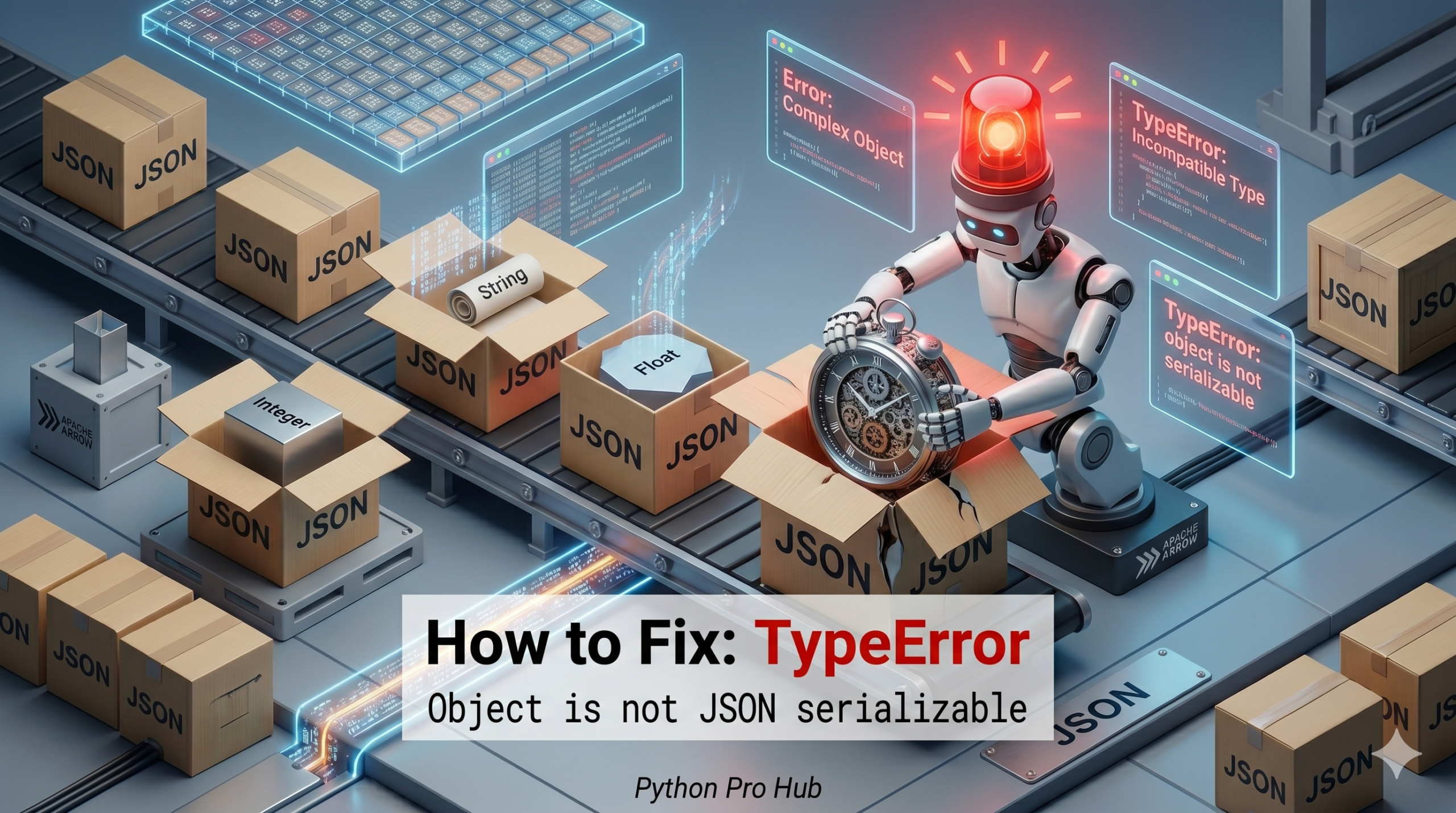
If you’ve ever seen a TypeError JSON serializable message, so you only know that The JSON format is very strict and only understands:
- Strings
"hello" - Numbers
10,3.14 - Lists
[] - Dictionaries
{} - Booleans
true/false - Null
null
If you try to save anything else (like a Python datetime object, a set, or a numpy.int64), Python will crash.
⚡ Quick Fix: TypeError: Object of type datetime/set is not JSON Serializable (Python JSON Conversion Fix)
You passed a Python object that JSON does not recognize — convert it to a supported type before calling json.dumps().
import json
from datetime import datetime

# Fix 1 — Convert manually before dumping
data = {
    "timestamp": datetime.now().isoformat(),  # datetime → string
    "tags": list({"python", "code"}),         # set → list
}
json_str = json.dumps(data)  # Works

# Fix 2 — Use default=str as a catch-all converter
json_str = json.dumps({"timestamp": datetime.now()}, default=str)
# Output: {"timestamp": "2025-11-18 14:30:00.123456"}
The rest of the article walks through every non-serializable type you are likely to encounter and which conversion method fits each one.
The Cause
You passed a complex Python object to json.dumps() or json.dump().
Problem Code (Datetime):
import json
from datetime import datetime

data = {
    "event": "Login",
    "timestamp": datetime.now() # <--- JSON doesn't know what a 'datetime' is
}

json_str = json.dumps(data)
# CRASH! TypeError: Object of type datetime is not JSON serializable
Problem Code (Sets):
data = {
    "tags": {"python", "code"} # <--- This is a SET {}, not a dict
}
json_str = json.dumps(data)
# CRASH! TypeError: Object of type set is not JSON serializable
The Fix 1: Convert Before Dumping
The easiest fix is to manually convert your data to a supported type.
- Datetimes: Convert to string (
str(),.isoformat()). - Sets: Convert to list (
list()). - NumPy Numbers: Convert to Python int/float (
.item()).
data = {
    "event": "Login",
    "timestamp": datetime.now().isoformat(), # Convert to String
    "tags": list({"python", "code"})         # Convert Set to List
}
json_str = json.dumps(data) # Works!
The Fix 2: The default Argument (Advanced)
You can tell json.dumps what to do when it finds an unknown type using the default argument. Using str is a handy cheat code that converts everything else to a string representation.
data = {"timestamp": datetime.now()}

# If JSON doesn't know the type, just run str() on it
json_str = json.dumps(data, default=str)
print(json_str)
# Output: {"timestamp": "2025-11-18 14:30:00.123456"}
What This Error Exposes About JSON’s Type Contract
TypeError: Object of type datetime is not JSON serializable is Python’s json encoder hitting a type it has no serialization rule for. The JSON specification is intentionally minimal — it predates most modern programming constructs and defines only six value types. Every language-specific object like datetime, set, uuid.UUID, or numpy.int64 sits outside that specification entirely. Python’s encoder does not guess a representation; it raises the error and stops.
The default=str pattern works as a catch-all because str() produces a human-readable representation for almost every Python object — but that convenience carries a tradeoff. A datetime serialized via str() produces a slightly different format than .isoformat(), and a set serialized via str() produces "{'python', 'code'}" — a string, not a JSON array. Any downstream system parsing that output will fail. Use default=str for logging and debugging; use explicit conversion for any data that another system or API will consume.
The production-grade pattern for pipelines that serialize complex objects is a custom encoder class. Subclass json.JSONEncoder, override the default() method, and add explicit handling for each non-standard type your pipeline uses. That approach documents every serialization decision in one place, raises a clear error for unexpected types rather than silently converting them to strings, and keeps your JSON output deterministic across every environment your code runs in.