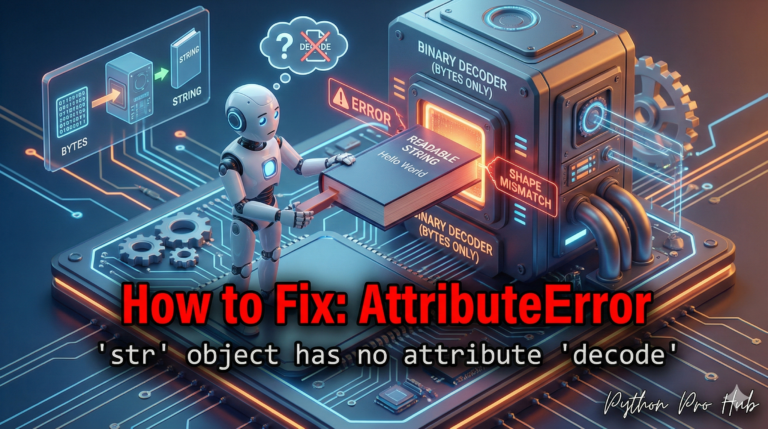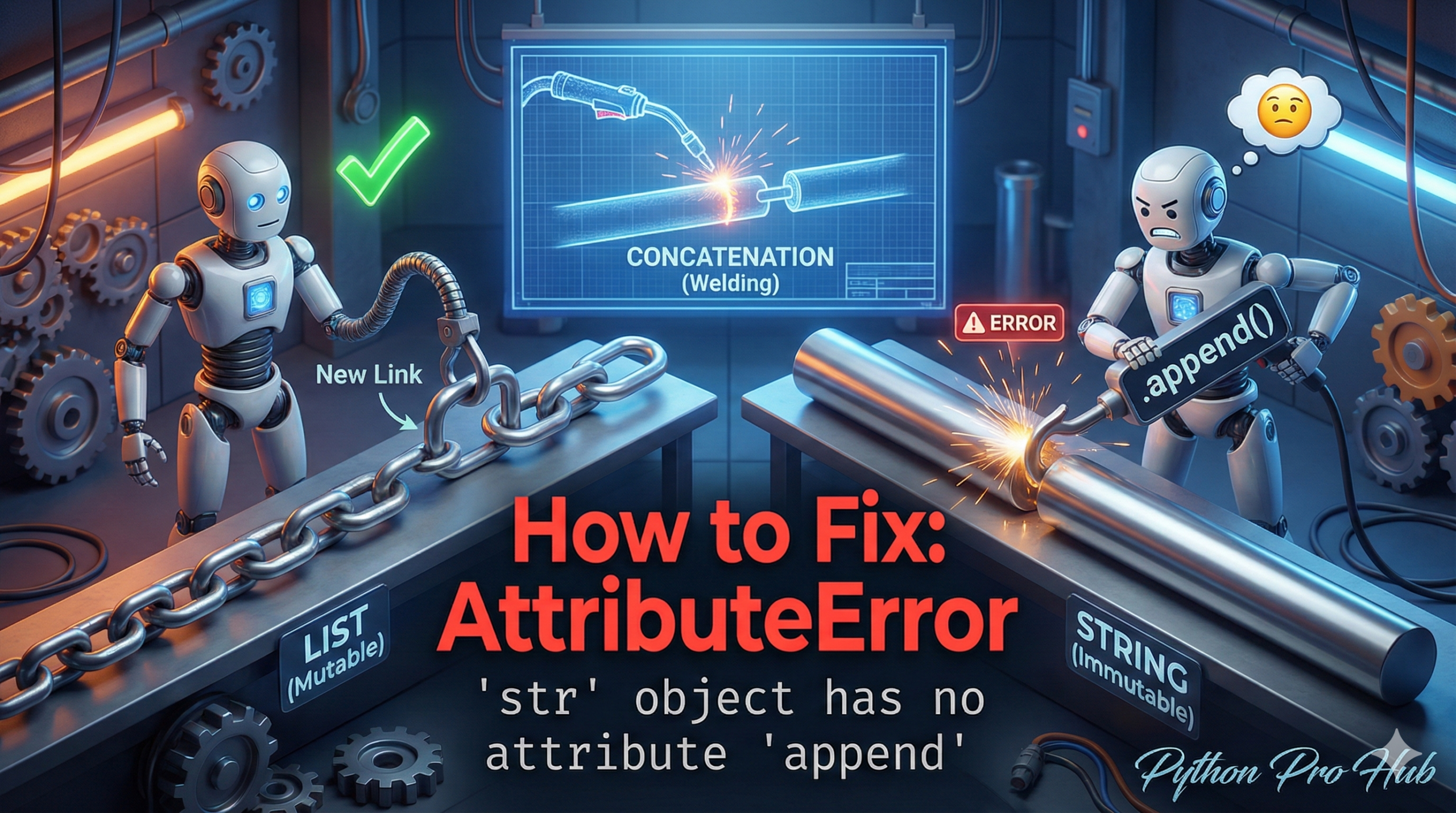
This error is a classic beginner mistake that comes from confusing Lists with Strings. In Python, trying to use append on a str will result in an AttributeError str append.
It essentially means: “You tried to use the .append() method on a string, but .append() only exists for lists.”
⚡ Quick Fix: AttributeError: ‘str’ object has no attribute ‘append’ (Python String vs List)
You called .append() on a string — Python strings are immutable, so that method does not exist on them.
# Fix 1 — Concatenate with + to build a new string
my_string = "Hello"
my_string = my_string + " world"  # Output: Hello world

# Fix 2 — Use += inside a loop instead of .append()
final_string = ""
for i in range(5):
    final_string += str(i)  # Output: 01234
Both patterns above kill the crash — the full article breaks down exactly why strings work this way and how to pick the right fix for your specific situation.
The Cause
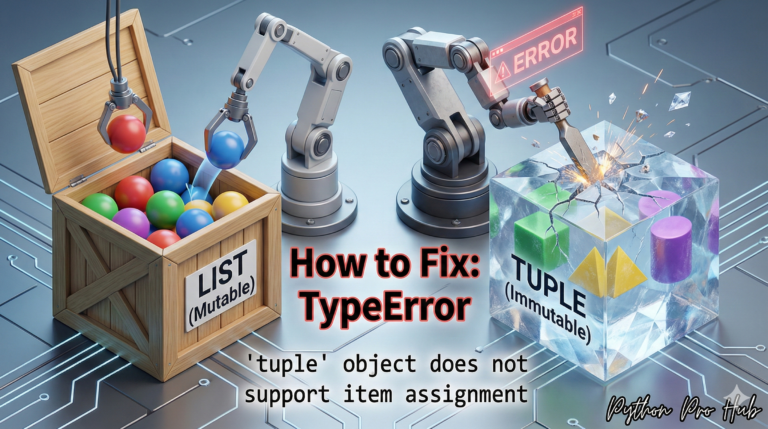
- Lists
[]are mutable (changeable). You can add items to them in-place with.append(). - Strings
""are immutable (unchangeable). You can never change a string after it’s created.
Problem Code:
my_string = "Hello"
my_string.append(" world")
# CRASH! AttributeError: 'str' object has no attribute 'append'
You are trying to change the “Hello” string, which Python does not allow.
The Fix: Create a New String
You must create a new string variable by combining the old string with the new one. The + operator is the simplest way.
Correct Code:
my_string = "Hello"

# This creates a NEW string and re-assigns the variable
my_string = my_string + " world"

print(my_string)
# Output: Hello world
The “Looping” Fix
This error often happens when you’re building a string in a loop. Problem Code:
final_string = ""
for i in range(5):
    final_string.append(str(i)) # CRASH!
Correct Code: Use the += operator (which is the shortcut for final_string = final_string + ...).
final_string = ""
for i in range(5):
    final_string += str(i) # Correct!
print(final_string)
# Output: 01234
What This Error Reveals About Python’s Type System
AttributeError: 'str' object has no attribute 'append' surfaces a distinction Python enforces at the core level: mutability. A list holds a reference to a dynamic collection Python lets you modify in place. A string holds an immutable sequence of characters — every operation that looks like a modification actually constructs a brand-new string object and returns it. .append() belongs exclusively to the list interface because it mutates the object directly, and strings never expose that interface.
The loop pattern is where this mistake causes the most damage in real code. Developers initialize an empty string, expect it to behave like an empty list [], and call .append() inside a for block. The fix is +=, which under the hood reassigns the variable to a newly concatenated string on every iteration. For performance-critical loops building large strings, switch to a list of parts and join at the end with "".join(parts) — this avoids repeated object creation on every cycle.
The diagnostic habit that prevents this entirely: ask yourself whether you need to grow a collection in place (list) or produce a combined text value (str + str). The answer determines your data structure before you write a single line.