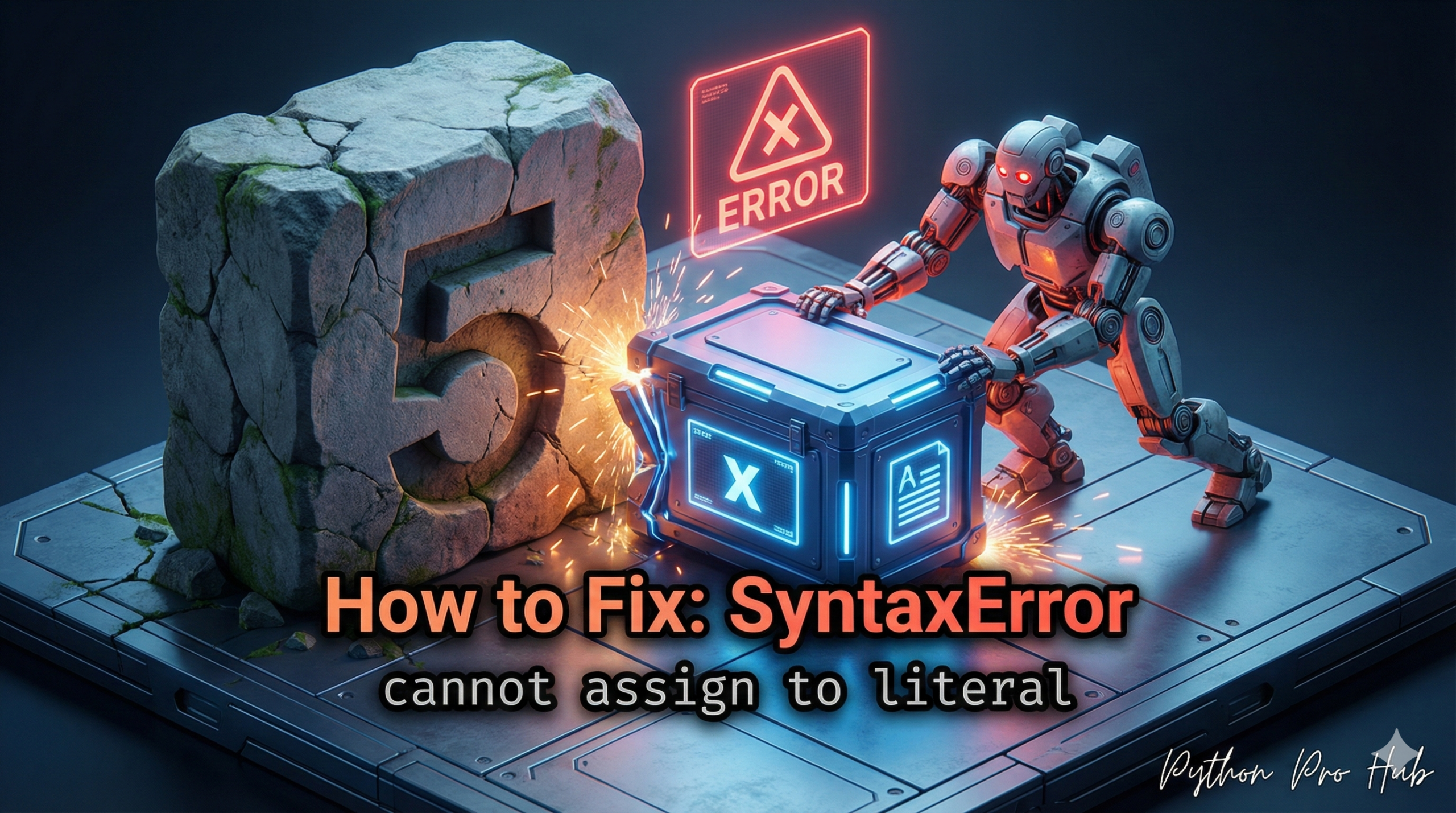
This is a fundamental SyntaxError that means you got your variables and your values backwards. When you encounter SyntaxError cannot assign to literal, it usually means you are trying to assign a value to a number or string instead of a variable.
- “Literal”: A “literal” is a raw, fixed value in your code, like the number
5or the string"hello". - “Assign”: This refers to the equals sign (
=), which is the assignment operator.
It means: “You are trying to assign a new value to a raw value, which is impossible.”
⚡ Quick Fix: SyntaxError: cannot assign to literal — Python Variable vs Value Fix for Reversed Assignment and = vs == Confusion
Python rejected your statement because a raw value — a number or a string — sits on the left side of the = sign. Only variable names belong on the left.
# WRONG — value on the left, variable on the right: assignment is backwards
5 = x               # SyntaxError: cannot assign to literal
"hello" = message   # SyntaxError: cannot assign to literal

# WRONG — single = inside an if statement: assignment instead of comparison
x = 10
if x = 5:           # SyntaxError: cannot assign to literal
    print("x is 5")

# RIGHT — variable name on the left, value on the right
x = 5               # x gets the value 5
message = "hello"   # message gets the string

# RIGHT — == for comparison inside if statements, = only for assignment
if x == 5:          # == compares, = assigns — these are two different operators
    print("x is 5")
The rule is fixed and absolute: variable_name = value. Flip it and Python stops immediately.
The Cause
The rule of assignment in Python is: variable_name = value
You have written value = variable_name.
Problem Code:
# You are trying to assign 'x' to '5'
5 = x
# CRASH! SyntaxError: cannot assign to literal
Python is reading this as “I need to make the number 5 mean whatever x is,” which is not allowed.
The Fix
Simply flip the statement so the variable name is on the left.
x = 5 # Correct!
Common Related Error: Confusing = with ==
This error also pops up if you use a single equals (=) in an if statement by mistake.
Problem Code:
if x = 5: # This is ASSIGNMENT
    print("x is 5")
# CRASH! SyntaxError: invalid syntax (or 'cannot assign to literal')
The Fix: Use the double-equals (==) for comparison.
if x == 5: # This is COMPARISON
    print("x is 5")
SyntaxError: cannot assign to literal — The Assignment Rule and the = vs == Mistake That Trips Every Beginner
SyntaxError: cannot assign to literal fires before Python runs a single line. The parser reads left to right — finds a raw number or string on the left side of =, has nowhere to store the value, and stops immediately.
The assignment rule has no exceptions: the left side of = must be a name, the right side must be a value. 5 = x attempts to make the number 5 hold whatever x is — Python has no mechanism for that. x = 5 stores the value 5 in a container named x — that’s valid everywhere.
Three literal types fire this error on the left side of =:
Integer literals: 5 = x, 100 = total
String literals: “hello” = greeting, “Alice” = name
Float literals: 3.14 = pi
All three follow the same fix: flip the statement. x = 5, greeting = “hello”, pi = 3.14.
The = vs == confusion produces the same error class in a different context. Inside an if, while, or any conditional expression, = means assignment and == means comparison. Python 3 fires SyntaxError: cannot assign to literal when it sees if x = 5: because the parser interprets it as an attempt to assign 5 to the expression result — an impossible target.
= assigns. == compares. := is the walrus operator — it assigns and returns the value in one expression for use inside conditions. These three operators look similar and do completely different things.
All three in context
x = 10 # = assigns: x now holds 10
if x == 10: print(“match”) # == compares: True when x is 10
if (n := len(“hello”)) > 3: # := assigns and evaluates in one step
print(f”Long string: {n}”) # Output: Long string: 5