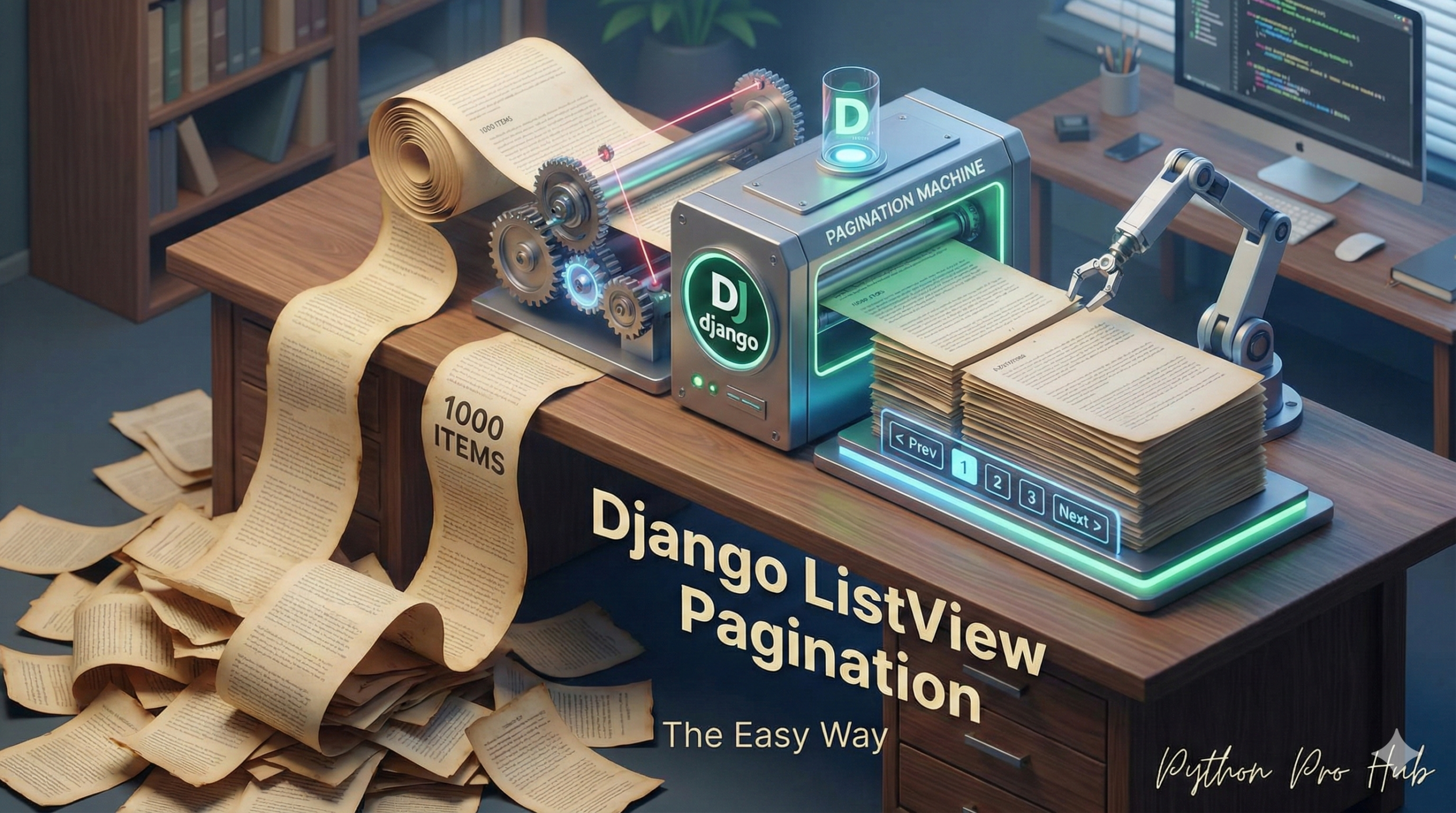
Your blog is a success! You now have 1,000 posts. But you have a problem: your Post List Page now tries to load all 1,000 posts at once. It’s incredibly slow. Django Pagination is the solution to efficiently display your posts across multiple pages.
Pagination—splitting your content into pages (“Page 1 of 100”). Django’s generic ListView has this built-in, and it’s incredibly easy to use.
Step 1: The View (views.py)
You only need to add one line to your PostListView. The paginate_by attribute tells ListView how many items to show per page.
pages/views.py
from django.views import generic
from .models import Post

class PostListView(generic.ListView):
    model = Post
    template_name = 'pages/post_list.html'
    context_object_name = 'post_list'

    # THE MAGIC LINE:
    paginate_by = 10 # Show 10 posts per page
That’s it! Django now automatically handles slicing your query and figuring out what page you’re on.
Step 2: The Template (post_list.html)
Now you just need to add the “Next” and “Previous” links to your template. ListView automatically gives you a page_obj in your template to help.
Add this code to the bottom of your post_list.html file (after your {% endfor %} loop).
{% if is_paginated %}
  <div class="pagination">

    {% if page_obj.has_previous %}
      <a href="?page={{ page_obj.previous_page_number }}">Previous</a>
    {% endif %}

    <span>
      Page {{ page_obj.number }} of {{ page_obj.paginator.num_pages }}.
    </span>

    {% if page_obj.has_next %}
      <a href="?page={{ page_obj.next_page_number }}">Next</a>
    {% endif %}

  </div>
{% endif %}
This code checks if there’s a previous/next page, and only shows the link if one exists. You now have a fast, professional, paginated blog!
Key Takeaways
- Your blog’s performance suffers with 1,000 posts loading at once.
- Implementing Django Pagination can solve this by splitting content into manageable pages.
- Add the paginate_by attribute in your PostListView to control how many items show per page.
- Include ‘Next’ and ‘Previous’ links in post_list.html to enhance navigation.
- Django automatically manages pagination, resulting in a faster, more professional blog.