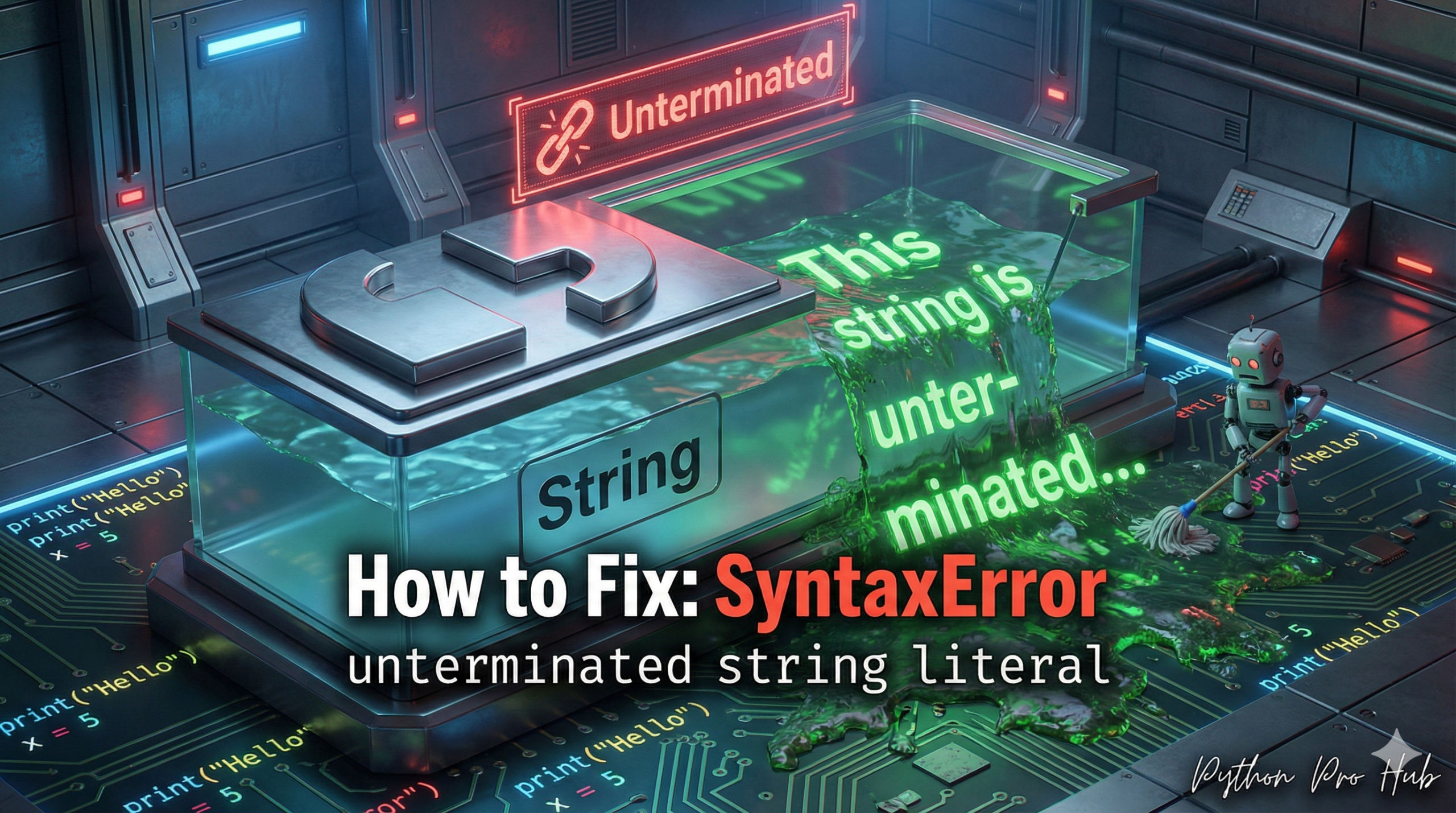
The SyntaxError unterminated string is a very common SyntaxError for beginners.
- “String Literal”: The text inside your quotes (e.g.,
"Hello"). - “Unterminated”: You started it, but you never finished it.
It means: Python started reading a string, but it hit the end of the line (or the end of the file) before it ever found a matching closing quote.
⚡ Quick Fix: SyntaxError: unterminated string literal — Python Missing Closing Quote Fix and Triple Quote Multi-line String Pattern
Python hit the end of the line while still inside an open string — you started a quote and never closed it, or you split a single-quoted string across two lines.
# WRONG — missing closing quote, Python scans to end of line and crashes
my_string = "Hello, world
# SyntaxError: unterminated string literal (detected at line 1)

# WRONG — single and double quotes cannot span multiple lines
my_poem = "Roses are red,
Violets are blue."
# SyntaxError: unterminated string literal

# RIGHT — close the quote on the same line it opened
my_string = "Hello, world"

# RIGHT — triple quotes for any string that spans multiple lines
my_poem = """Roses are red,
Violets are blue."""

# RIGHT — backslash continuation for long single-line strings with no embedded newline
long_text = "This is a very long string that " \
            "continues on the next line."
The two causes below show every form this error takes — including the smart quote trap from copy-pasting code out of a browser or PDF.
Cause 1: Missing Closing Quote
This is the most common reason.
# You forgot the quote at the end
my_string = "Hello, world
print("This line will crash the program")Error: SyntaxError: unterminated string literal (detected at line 1) Python is telling you the error is on line 1, because that’s where the unterminated string started.
Cause 2: A String with a Line Break
You tried to make a string that spans multiple lines, but you used single or double quotes.
# You can't do this
my_poem = "Roses are red,
Violets are blue."
# CRASH!
The Fixes
- Add the closing quote:
my_string = "Hello, world" # Correct
2. Use Triple Quotes for Multi-line Strings: If you want your string to span multiple lines, you must use triple quotes (""" or ''').
my_poem = """Roses are red,
Violets are blue.""" # Correct!
SyntaxError: unterminated string literal — Two Causes, Three Fixes, One Editor Setting That Prevents Both
SyntaxError: unterminated string literal fires before Python runs a single line. The scanner reads left to right, finds an opening quote, keeps scanning for the matching closer, hits the end of the line, and stops dead.
Two causes generate this error every time.
A missing closing quote. The fix is one character: add the matching quote at the end of the string. Single quotes open with ‘ and close with ‘. Double quotes open with ” and close with “. Mix them — open with ” and close with ‘ — and Python treats the mismatched closer as content inside the string, not the terminator. Your editor’s syntax highlighting exposes this instantly: if the colour doesn’t reset at the closing quote you intended, the quote type is wrong.
A single-quoted string that spans multiple lines. A standard string — single or double quoted — must open and close on the same line. Any newline inside it ends the string scan and fires the error. Use triple quotes for every string where line breaks are part of the content: SQL queries, HTML templates, long messages, docstrings, and any multi-line text block.
my_query = “””
SELECT name, age
FROM users
WHERE active = 1
“””
The smart quote trap catches developers who copy code from websites, PDFs, or Word documents. Curly “smart quotes” (‘ ‘ ” “) look identical to straight quotes at normal zoom but are completely different Unicode characters. Python rejects them as unterminated string literals immediately. Never paste code directly from a browser — paste into a plain-text editor first, strip the formatting, then copy into your IDE.
Enable real-time syntax highlighting in VS Code or PyCharm. Both editors colour the interior of a string in a distinct shade — an unterminated string colours everything from the opening quote to the end of the file. The moment the colour bleeds past the intended closing quote, you’ve found the bug before the interpreter ever runs.