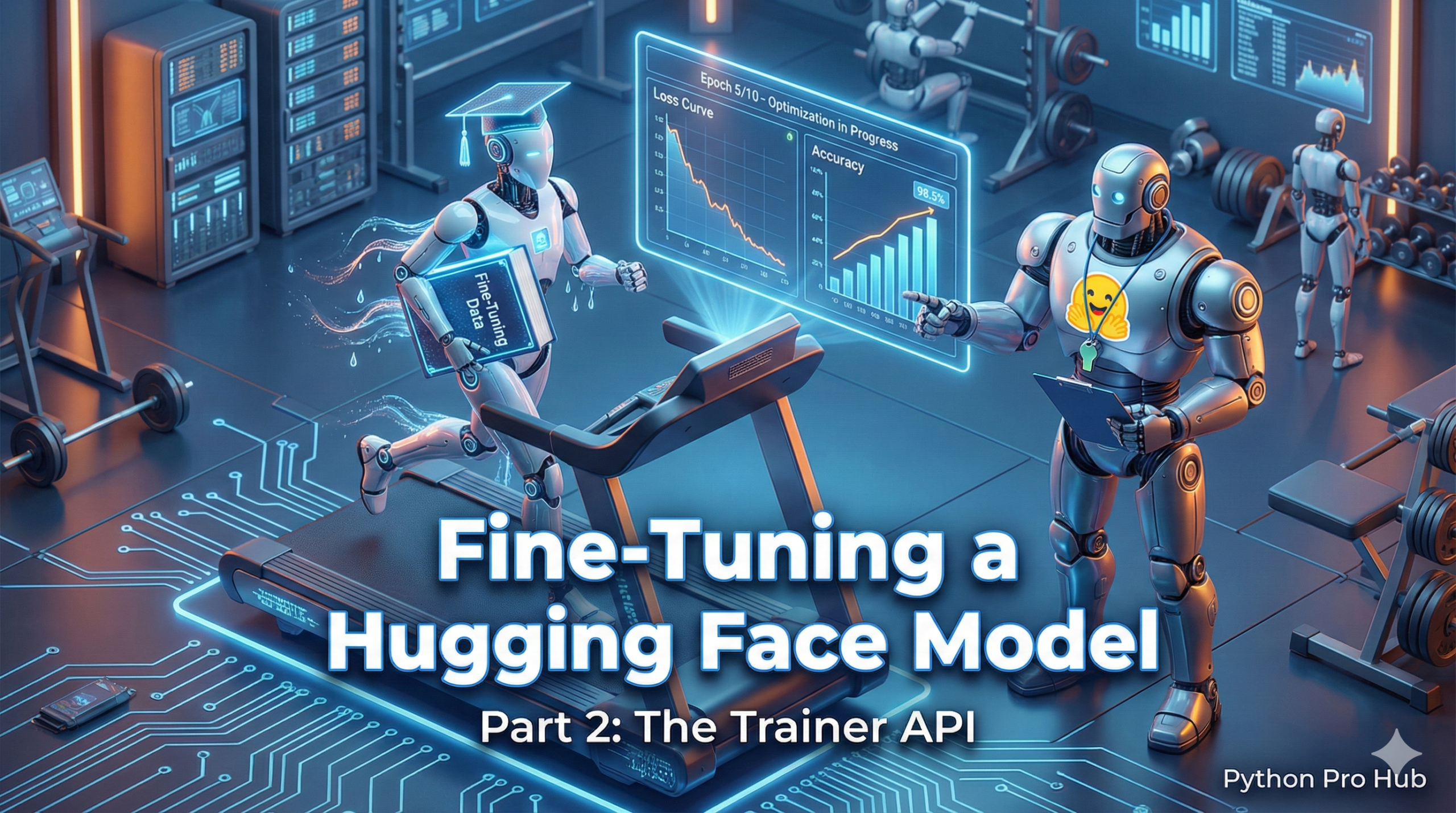
Welcome to Part 2! In Part 1 (The Data), we loaded the “imdb” dataset and prepared it with a tokenizer.
Now, we’ll do the exciting part: loading a pre-trained model and fine-tuning it on that data to create a new, custom model that is an expert at classifying movie reviews.
Step 1: Load the Pre-Trained Model
We must load the same model we used to tokenize our data. We’ll use AutoModelForSequenceClassification because our task is to classify text (positive/negative).
from transformers import AutoModelForSequenceClassification, AutoTokenizer

model_name = "distilbert-base-uncased"
tokenizer = AutoTokenizer.from_pretrained(model_name)
model = AutoModelForSequenceClassification.from_pretrained(model_name, num_labels=2)
# We set num_labels=2 (positive/negative)
Step 2: Set Up the Trainer
The Trainer is a powerful class from Hugging Face that handles all the complex training steps (like loops, optimization, and evaluation) for you.
You just need to give it the model, the datasets, and the settings.
from transformers import Trainer, TrainingArguments

# Load your tokenized datasets from Part 1
# tokenized_datasets = ... (from Part 1)

# 1. Define the Training Arguments
training_args = TrainingArguments(
    output_dir="./my-awesome-model", # Where to save the new model
    num_train_epochs=1,              # 1 epoch is enough for a good result
    per_device_train_batch_size=16,
    per_device_eval_batch_size=64,
    warmup_steps=500,
    weight_decay=0.01,
    logging_dir="./logs",
)

# 2. Create the Trainer object
trainer = Trainer(
    model=model,
    args=training_args,
    train_dataset=tokenized_datasets["train"],
    eval_dataset=tokenized_datasets["test"],
    tokenizer=tokenizer,
)
Step 3: Train!
This one line will start the fine-tuning process. If you have a GPU, transformers will automatically use it.
# This will take several minutes to several hours
trainer.train()

print("Training complete!")

# Save your new, custom model
trainer.save_model("./my-awesome-model")
Step 4: Use Your Custom Model
You can now use your own model with the pipeline!
from transformers import pipeline

# Load your fine-tuned model from the directory
my_model = pipeline("sentiment-analysis", model="./my-awesome-model")

print(my_model("This movie was a masterpiece!"))
# Output: [{'label': 'LABEL_1', 'score': 0.99...}] (LABEL_1 is 'positive')
Key Takeaways
- In Part 1, you prepared the imdb dataset; now you will fine-tune a pre-trained model for movie review classification.
- First, load the pre-trained model using AutoModelForSequenceClassification for text classification tasks.
- Set up the Hugging Face Trainer, which manages training processes like optimization and evaluation.
- Start the fine-tuning process with one command; transformers will optimise for your available GPU.
- Finally, use your custom model with the Hugging Face pipeline.