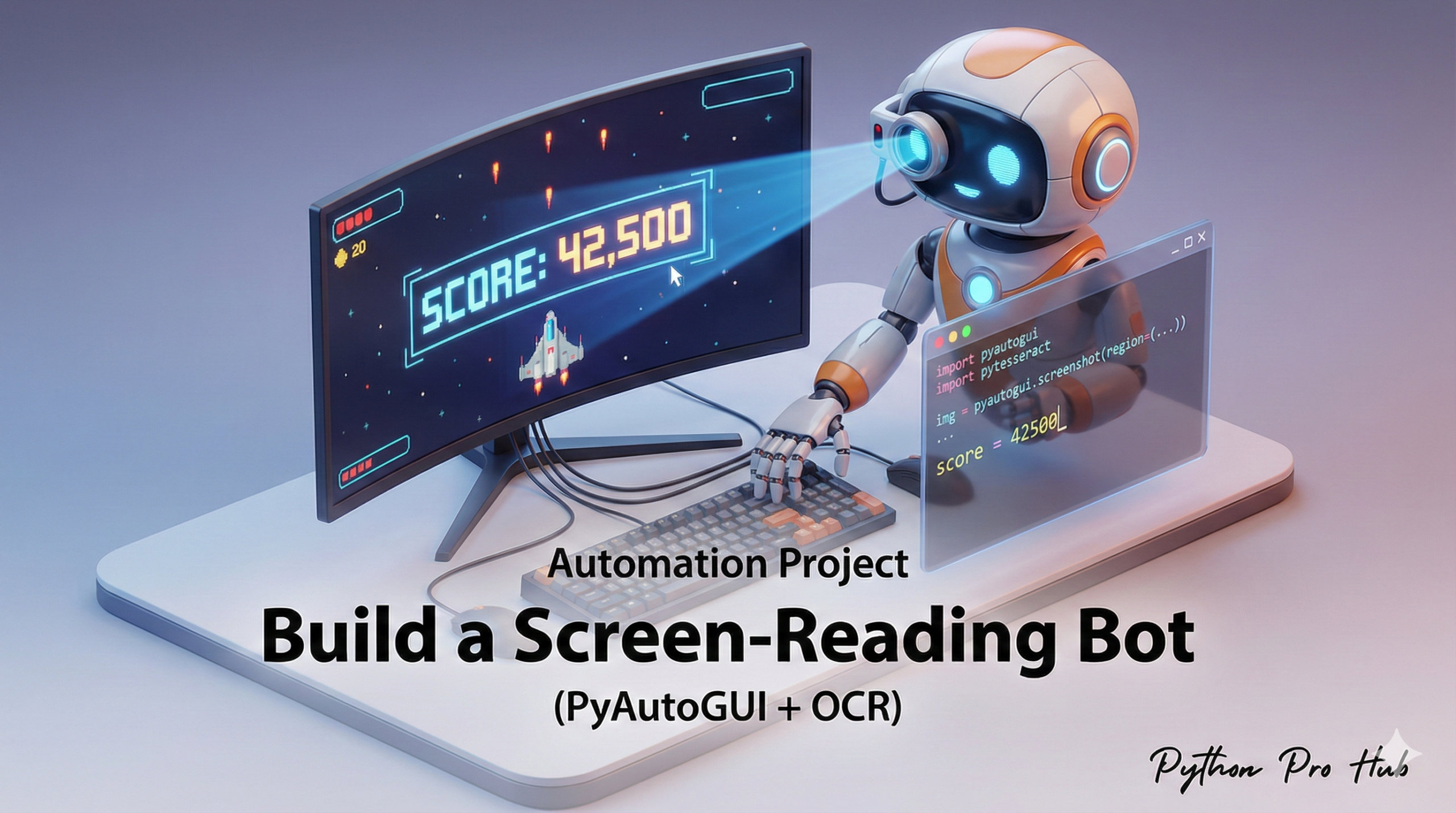
What if you want to automate an old app that has no API and no way to copy text? You can teach Python to see your screen. With Python PyAutoGUI OCR, it’s possible to extract and automate actions based on text displayed on the screen.
This project combines two powerful libraries:
- PyAutoGUI: To take a screenshot of a region of the screen.
- Pytesseract (OCR): To read the text from that screenshot.
Step 1: Installation
pip install pyautogui pillow pytesseract
# Don't forget to install the Tesseract engine itself!
Step 2: The Script
We’ll write a function that can read a specific “box” on your screen. First, find the coordinates. You can use pyautogui.displayMousePosition() in a Python shell to find the (x, y) of the top-left and bottom-right corners of the area you want to read.
import pyautogui
import pytesseract
from PIL import Image

def read_text_from_screen(x, y, width, height):
    """
    Takes a screenshot of a specific region and returns the text.
    (x, y) is the top-left corner.
    """
    try:
        # 1. Take the screenshot using PyAutoGUI
        print(f"Taking screenshot of region: ({x}, {y}, {width}, {height})")
        screenshot = pyautogui.screenshot(region=(x, y, width, height))

        # 2. Use Tesseract to read the text from the image
        text = pytesseract.image_to_string(screenshot)

        return text.strip()

    except Exception as e:
        print(f"Error: {e}. Is Tesseract installed and in your PATH?")
        return None

# --- Main Program ---
if __name__ == "__main__":
    print("Open the window you want to read...")
    print("Script will run in 5 seconds...")
    pyautogui.sleep(5)

    # EXAMPLE: Read the clock on a standard Windows taskbar
    # (These coordinates will be DIFFERENT for you!)
    clock_text = read_text_from_screen(x=1750, y=1050, width=100, height=30)

    if clock_text:
        print(f"\nFound text: '{clock_text}'")
    else:
        print("\nFound no text.")
You can use this to build bots that read error messages, check game scores, or get data from legacy software.
Key Takeaways
- You can automate an old app without an API by using Python PyAutoGUI OCR to read text from your screen.
- This project uses PyAutoGUI for taking screenshots and Pytesseract for text recognition.
- Start by installing the necessary libraries, then find screen coordinates using pyautogui.displayMousePosition().
- You can create bots to read error messages, games scores, or extract data from legacy software.