In our last security guide, we used LoginRequiredMixin to block logged-out users. But this still leaves a security hole: Any logged-in user can edit any other user’s post! However, in this post we’ll explore Django UserPassesTestMixin and how it helps to address an even bigger security hole.
We need to check not just if a user is logged in, but which user they are. The UserPassesTestMixin is the perfect tool for this.
The Goal: Only Authors Can Edit
We only want the person who created a post to be able to access the PostUpdateView or PostDeleteView.
Step 1: Add an author to your Model
First, your Post model needs to know who its author is. Make sure your app has a User model, or you’re using Django’s built-in one.
pages/models.py
from django.db import models
from django.conf import settings # Import settings

class Post(models.Model):
    title = models.CharField(max_length=200)
    text = models.TextField()
    # Add this line!
    author = models.ForeignKey(
        settings.AUTH_USER_MODEL,
        on_delete=models.CASCADE,
    )
    # ...
(You will need to run makemigrations and migrate after this!)
Step 2: Use UserPassesTestMixin
Now, we add the mixin to our UpdateView and DeleteView. This mixin requires one new method: test_func().
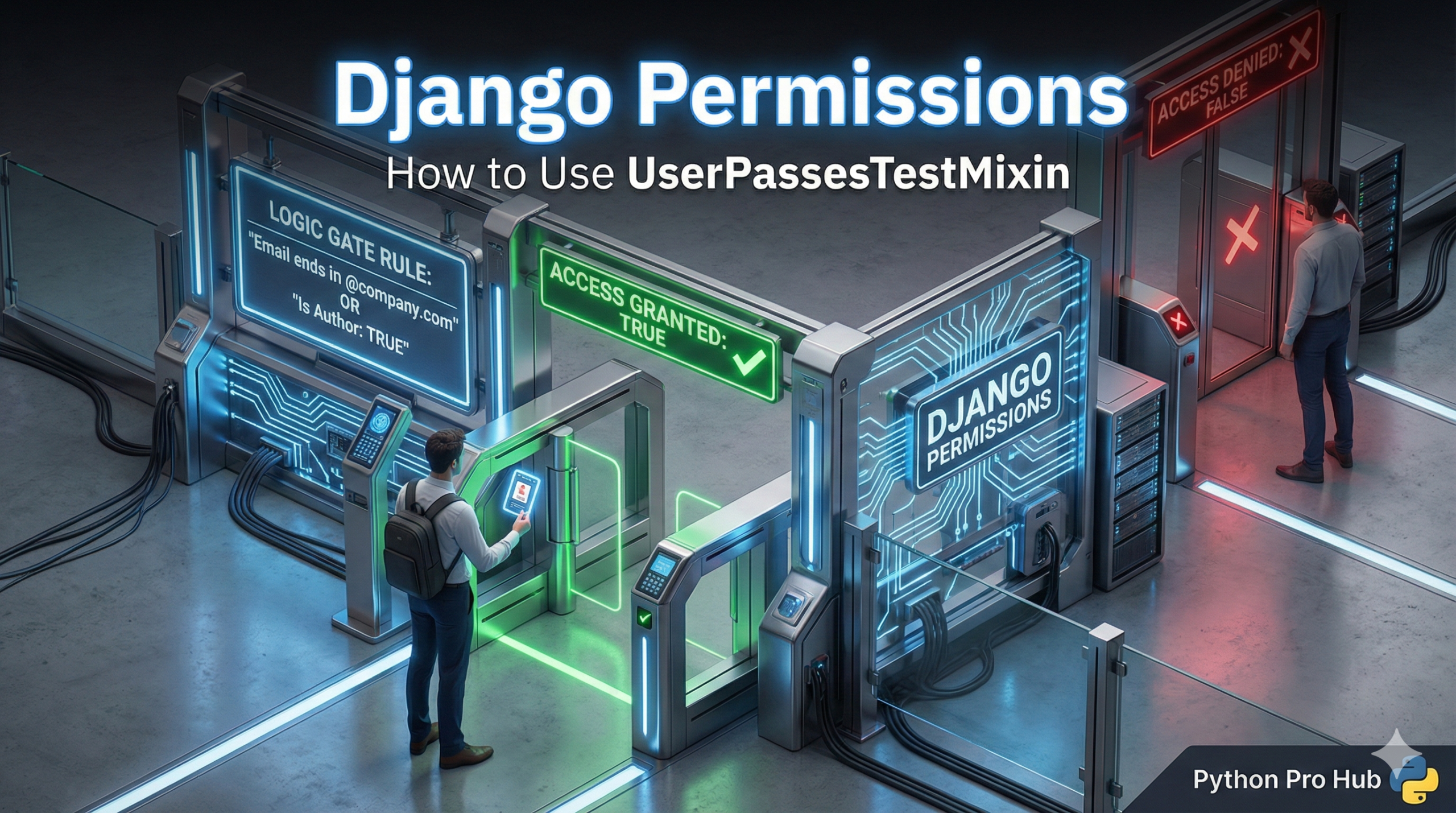
- If
test_func()returnsTrue, the user can see the page. - If it returns
False, they get a 403 Forbidden error.
pages/views.py
from django.contrib.auth.mixins import LoginRequiredMixin, UserPassesTestMixin
# ...

class PostUpdateView(LoginRequiredMixin, UserPassesTestMixin, generic.UpdateView):
    model = Post
    fields = ['title', 'text']
    template_name = 'pages/post_edit.html'

    def test_func(self):
        # 1. Get the post object this view is trying to edit
        post = self.get_object()

        # 2. Check if the logged-in user is the author of that post
        return self.request.user == post.author

class PostDeleteView(LoginRequiredMixin, UserPassesTestMixin, generic.DeleteView):
    model = Post
    template_name = 'pages/post_delete.html'
    success_url = reverse_lazy('post_list')

    def test_func(self):
        # Same test!
        post = self.get_object()
        return self.request.user == post.author
Now, if a user tries to edit a post that isn’t theirs, Django will block them with a “403 Forbidden” error. Your site is secure!
Key Takeaways
- The previous guide blocked logged-out users but didn’t restrict post editing to authors.
- To secure posts, implement the Django UserPassesTestMixin to verify the user’s identity.
- First, ensure your Post model includes an author field linked to the User model.
- Next, add UserPassesTestMixin to your UpdateView and DeleteView with a test_func() method.
- If test_func() returns False, Django generates a 403 Forbidden error, preventing unauthorized edits.